Create drawings by importing images and adding layers. Use talking stickers that repeat spoken words sound. Access tools for detailed artwork. Design custom sets Talking and draw animated characters. Explore mirror painting for symmetrical art.
by yann le coroller★ 4.1127 ratingsEducation$1.99Data updated 2026-09-08
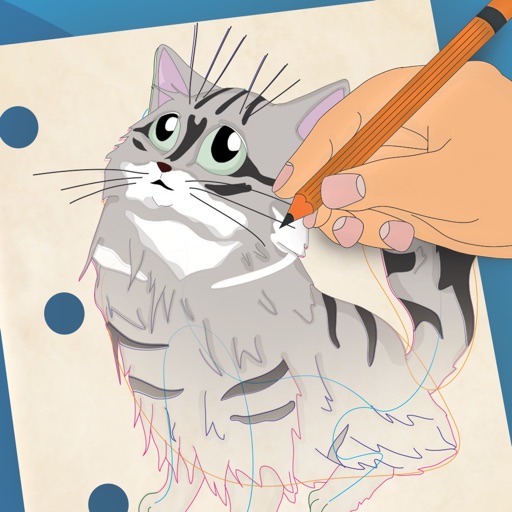
And drawing with printable pictures and blank pages for custom artwork. Features include zoom functionality, video replay, and realistic tools. Users can create and share their own drawings.
Allows children to draw using color selection, shape tools, and an eraser. It plays when drawing and includes a random color option. Users can change line thickness and save drawings.
Use AR to draw on real surfaces by outlines. Share drawings with others. Learn techniques through interactive lessons. Practice new skills in a realistic environment. Export artwork in various formats.
Use AR camera to trace and sketch projected lines onto paper. Draw over real-world objects with digital ink. Save and share artwork directly. Adjust line thickness and color. Export drawings in multiple formats.
Create and customize stick figures with drawing tools. Add expressions, clothing, and accessories. Save and share drawings. Explore interactive scenes with hand-crafted animations. Import and export artwork.
The app allows users to draw on a blank canvas or import photos. Users can add stickers, text, and shapes, choosing from various brush colors and sizes to create unique artwork.
Pages feature -themed images for children to color. Users can select and apply colors to drawings. Options include drawing freehand or using pre-set tools. Save and share completed artwork.
Create artwork by adding crayon-inspired to drawings. Choose from vibrant, colorful designs to enhance creations. Save and share finished projects. Explore playful characters and whimsical scenes for creative expression.
Color pictures with realistic painting tools and save custom creations. Access a variety of pre-drawn images for . Draw freely on a blank canvas with zoom functionality. Watch video tutorials for drawing techniques. Share completed artwork.
The app allows users to draw directly onto their camera lens or photos. Users can add captions, stickers, and doodle on images before saving and sharing them.
Create drawings using colors and effects. Select from animated characters and scenes. Add stickers and animations. Save and share creations. Explore themed pages featuring animals, unicorns, desserts, and kawaii characters.
Access course schedules, grades, and announcements. View campus maps and event calendars. Submit assignments and communicate with instructors. Retrieve financial aid information and access library resources.
Create stickmen using simple drawings. Customize characters with different body parts and expressions. Solve puzzles and complete challenges to unlock secrets. Share drawings and collect unique artwork.
Create animations using LEGO, clay, drawings, or everyday objects. Record frame-by-frame footage. Adjust timing, add sound effects, and export videos. Share directly to social media or email.