Create photos with the Harris Shutter Effect by combining multiple exposures. Adjust exposure settings and timing. Export images in various formats and share directly.
by minical Inc.★ 4.897 ratingsPhoto & VideoFreeData updated 2026-09-08
The app offers photo editing with effects, frames, and stickers. Users can adjust brightness, contrast, color balance, saturation, sharpen, and blur images.
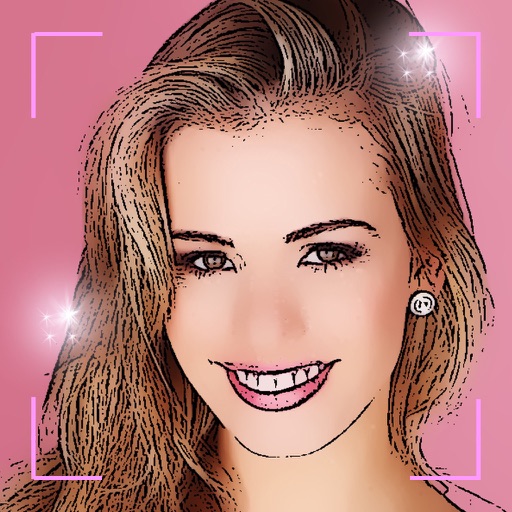
Turn selfies into cartoons with instant morphing and emotion imitation. Apply , pencil sketch, and bug eyes effects. Create old man, moon, or beard styles. Share edited portraits directly.
The app lifts shadows, balances exposure, and recovers detail to create clearer, more luminous photos. It offers a live split preview, curated presets, and precise controls for adjusting effect strength.
The app allows users to correct color casts or adjust photo warmth and coolness with presets. It offers a live split preview for comparing images and saving custom effect settings.
The app allows users to set automatic shooting intervals, recording times, and start times for observing organisms. Photos taken are saved to the Photos app and can be viewed there.
Capture photos with timed intervals of 3 or 5 seconds. Use skin beauty filters to enhance appearance. Shoot multiple frames without manual shutter presses. Experiment with poses and distances to select preferred shots.
Apply effects to photos and videos by inverting colors. Adjust brightness and contrast. Save edited media to gallery. Share directly from . Draw on images to customize effects.