Photo Splat Free
C Loep
Add color to grayscale photos.
The app converts selected photos to grayscale, sepia, or custom colors. Users can then add color by painting over desired areas with their finger, utilizing paint and eraser modes.

Create collages with photo layers
Create photo collages and composite images using multiple layers. Remove unwanted areas with the background eraser tool. Adjust color tones and export edited photos in various formats.
Showing 741–760 of 1,000 ranked alternatives.
C Loep
Add color to grayscale photos.
The app converts selected photos to grayscale, sepia, or custom colors. Users can then add color by painting over desired areas with their finger, utilizing paint and eraser modes.


Rachida Benhassi
Remove and replace with new ones
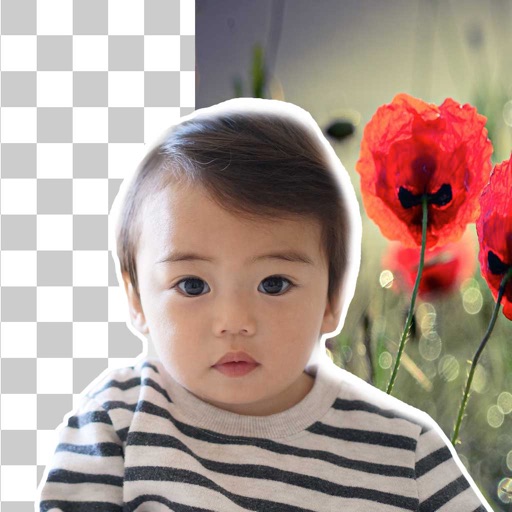
Remove backgrounds from photos using brush tools with adjustable size and hardness. Erase selected areas with undo and redo options. Add text with customizable font and formatting. Place edited photos on various templates.

Vanja Milanovic
Apply filters and share spooky edits
Edit photos with filters, spooky stickers, and horror-themed effects. Add creepy heads to group photos. Share edited images on social media or set as profile picture. Export in various formats and apply multiple filters.


福恩 毛
Create inverted color artwork fast.
The app creates classic film negatives, monochrome inversions, and reversed-color artwork. It offers a live split preview, curated presets, and the ability to blend effects for subtle or bold finishes.

Marta Gimeno
Try piercings with virtual stickers
Edit photos with body stickers and beauty salon effects. Add jewelry and accessories to images. Create stylish montages. Customize looks with artistic designs for all genders. Share edited photos directly.

Firebolt Online, LLC
Remove objects from photos instantly
Remove unwanted objects from photos with one-tap selection. Edit images to eliminate distractions like people or power lines. Save and share edited photos directly. Adjust background details for a cleaner look.

Dickson Kwok
Edit photos and create collages
Edit photos with cropping, rotation, filters, adjustments, text, focus, stickers, magic, splash, and drawing tools. Create collages with borders, backgrounds, text, stickers, and frames. Export and share edited images directly.



Skylum Software Usa, Inc.
Create collages from photos
Create collages by arranging and combining photos. Add text, stickers, and borders. Adjust colors and brightness. Save and share collages directly. Import images from gallery or camera. Apply filters and effects.


Limit Point Software
Create photo and video collages easily.
The app allows users to create collages using photos, videos, and Live Photos. It offers 345 built-in layouts or custom layouts with adjustable tiles and customizable metadata.


Apps are ranked by functional similarity, category fit, rating confidence, and popularity.