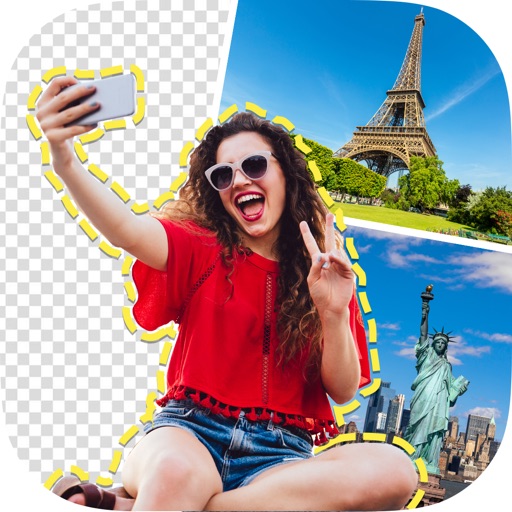
Create photo collages and composite images using multiple layers. Remove unwanted areas with the background eraser tool. Adjust color tones and export edited photos in various formats.
by handyCloset Inc.★ 4.81,329 ratingsPhoto & Video$4.99Data updated 2026-11-13
Create collages by arranging photos and adding text, borders, and effects. Share finished collages on social media. Customize layouts and themes without design expertise. Import multiple images and adjust sizes and positions.
Create collages, posters, and cards using templates. Add and arrange photos, apply different styles, and adjust details. Share finished designs directly or export in multiple formats.
Split photos into square formats for Instagram. Create collages by combining multiple images. Use customizable layouts. Export and share directly to Instagram.
Edit images to remove or replace backgrounds using magic , auto cutout, and precision tools. Isolate objects, add new backdrops, and adjust shadows. Export edited photos for social media and online platforms.
Create collages by arranging multiple photos into a single square layout. Adjust brightness, contrast, and white balance. Crop, rotate, and apply filters.
Create albums and collages with customizable text, fonts, and colors. Add stickers, , and backgrounds. Design greeting cards with personal messages. Edit images with predefined styles and categories. Share edited photos directly.
Edit photos with , , and collage tools. Create and custom layouts. Adjust brightness, contrast, and saturation. Add text and stickers. Export and share edited images.
Create AI-generated photos and videos using text prompts. Edit images with layered tools to add, remove, or replace objects and backgrounds. Convert static images to videos with custom prompts or generate videos from text input.
Remove backgrounds from photos using AI-powered auto-detection. Cut out subjects with one touch. Export as high-quality PNGs with transparent backgrounds. Edit images by adjusting edges and refining details. Save and share edited files directly.
The app allows users to edit photographs by adjusting brightness, tint, and balance. Users can apply filters such as Sepia, Colorize, Wave, Watercolor, and Color Reduction to create collages and greeting cards.