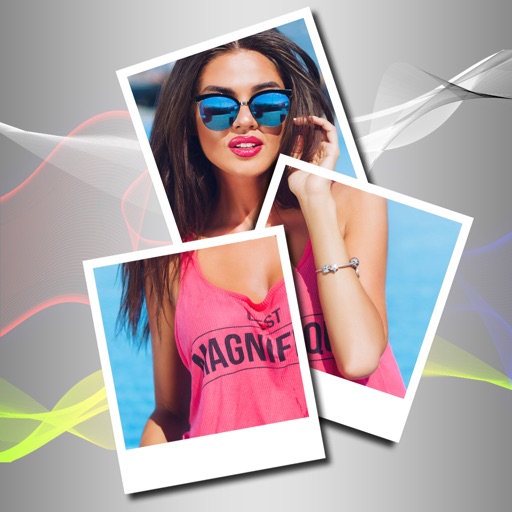
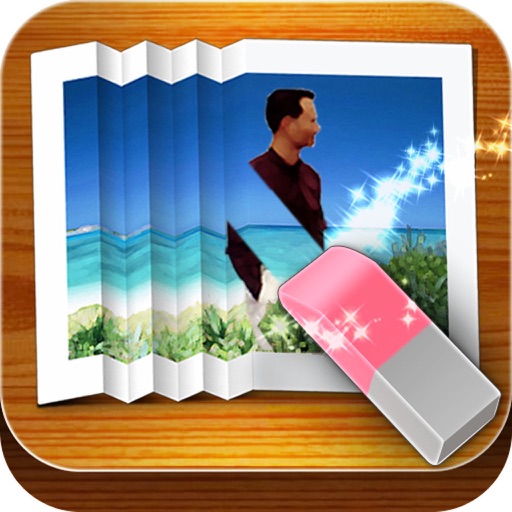
Create photo collages and composite images using multiple layers. Remove unwanted areas with the background eraser tool. Adjust color tones and export edited photos in various formats.
by handyCloset Inc.★ 4.81,329 ratingsPhoto & Video$4.99Data updated 2026-11-13
Edit photos with filters, cropping, and adjustment tools. Add text, stickers, and borders. Create collages and share directly. Export in multiple formats. Sync with social media platforms.
Create collages by combining multiple photos using various frame patterns and grid layouts. Apply over 1100 design styles to individual images or collages. Share finished creations directly from the .
Merge video clips from your library into one movie. Trim unwanted parts, crop to square, change background color, and add music with the Pro version. Share on Instagram and Vine.
Remove backgrounds from images using U^2-Net technology. Apply customizable themes and color backgrounds. Enhance social media profiles with professional-looking designs. Export edited images directly.
Edit photos with AI-powered enhancements, filters, and effects. Crop, rotate, and adjust brightness, contrast, and saturation. Add text, stickers, and borders. Export in various formats and share directly.
Create custom collages and photos with precise measurements. Adjust using millimeters, centimeters, and inches. Rotate and mirror images for accurate alignment. Export and directly from the .
Combine multiple photos into customizable frames or collages with 55 adjustable templates. Add rounded corners, effects, shadows, and patterns. Choose colors using an easy color picker. Save projects and share via Facebook, Email, or Twitter.
Create art using AI to generate images in various styles. Combine generated artworks into collages. Edit photos with tools for adding text, removing backgrounds, and organizing multiple results. Share edited images directly.
Remove unwanted parts of photos using AI-powered erasing. Add colors or images to create new backgrounds. Crop, draw over, and undo edits. Zoom for precision and blur edges. Save and share edited photos.
Allows users to apply effects to backgrounds. Select images from the gallery or capture new photos. Use multiple blurring tools to adjust the effect. Export edited images directly.
The app removes unwanted objects like logos, text, or people from photos. It fixes imperfections and repairs images automatically, making them appear as if the objects were never present.
Edit photos to improve clarity and sharpness using AI technology. Remove blurriness and enhance image quality. Adjust brightness, contrast, and color. Save and share edited photos directly.
Edit photos with filters, cropping, and brightness adjustments. Add text overlays for customization. Create collages by combining multiple images. Arrange photos in customizable grid layouts.
Create collages with customizable grids and multiple layout options. Add photos by selecting from camera or gallery. Adjust images using zoom and touch gestures. Change background colors or themes. Save or share collages through social media apps.