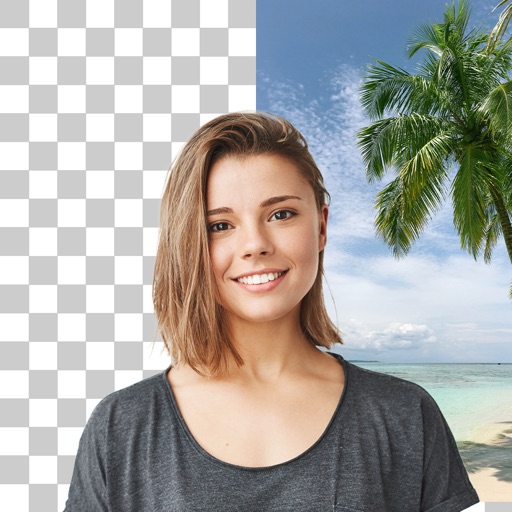
Create photo collages and composite images using multiple layers. Remove unwanted areas with the background eraser tool. Adjust color tones and export edited photos in various formats.
by handyCloset Inc.★ 4.81,329 ratingsPhoto & Video$4.99Data updated 2026-11-13
Edit photos with 100+ presets and trending filters. Apply drip art, neon, and spiral frame effects. Add typo text and customize image sizes for social sharing. Use AI-powered background eraser and blend tools.
Create holiday collages with customizable layouts, -themed grids, and backgrounds featuring Santa, gifts, and snowmen. Add text messages, select photos, and design e-cards with festive frames and decorations. Export and share finished collages.
Edit photos with blending tools to create double exposure effects. Add frames, quotes, and background elements. Apply single-layer filters. Export edited images without ads. two images with one touch.
Create custom photo frames, books, and prints directly from your phone. Upload images and text to design layouts. Choose from various paper types and finishes. Order and track shipments. Share finished products via email or social media.
Remove people from photos using AI-powered editing. Select and erase unwanted individuals or backgrounds. Adjust and refine the result for natural appearances. Save and share edited images directly.
Edit photos with filters, contrast, brightness, and color adjustments. Add text, stickers, and drawing tools. Customize images and landscapes. Export in high quality. Access a free image library. Apply advanced editing features.
Edit photos with cropping, filters, and adjustments. Remove unwanted objects or people using the Magic tool. Replace backgrounds to create montages. Create collages with pre-designed templates. Export edited photos in multiple formats.
Remove with automatic portrait recognition or brush matting tools. Choose from multiple shape options for precise masking. Add color line strokes to edited areas. Export modified images directly.
Edit videos with cutting, trimming, joining, and splitting tools. Create slideshows with media and transitions. Export in HD formats and share directly. Add text, stickers, and effects. Sync with cloud storage for backups.
Create collages by arranging photos in various layouts and adjusting their position, angle, and size. Apply unique filters and choose from rich typography styles and text stickers.
Edit photos with gold and apply filters for enhanced visuals. Add text and stickers to images. Create montages and share edited photos directly. Adjust brightness and contrast for better clarity. Export images in various formats.
The app allows users to create photo collages from their pictures and share them on social media. Users can select from 52 layouts and customize them with various frame shapes and color palettes.
Retouch portraits by smoothing skin, enhancing smiles, and removing imions. Apply filters for vintage, color toning, and film styles. Adjust color temperature and tone for precise corrections. Export edited photos directly.
Edit images with brightness, contrast, and other adjustment tools. Import photos and place them in customizable Story templates. Create gradients and use the dropper tool to match colors. Share edited content directly to Instagram .
Edit photos by blurring backgrounds, faces, or specific subjects. Apply various effects and filters. Save edited images to the camera roll or share them directly.
Edit photos with PIP frames, collages, and creative layouts. Add crystal bottle patterns and cartoon styles. Share edited photos directly to social media. Adjust brightness, contrast, and colors. Crop and rotate images.
Edit photos by removing backgrounds and replacing them with custom colors. Erase unwanted objects with a single touch. Adjust and enhance images for sharing on social media.
Edit photos with filters, effects, and backgrounds. Create collages and layouts with ready-made designs. Crop and mirror images for social media. Add text and frames. Share edited photos directly to WhatsApp and Instagram.