Capture accelerometer, gyroscope, and magnetometer from iOS devices. Include time stamps and Apple's enhanced device motion for reference. Export raw for research or experimentation.
by Christopher Wozny★ 3.110 ratingsEducation$0.99Data updated 2026-09-08
Select colors for artworks using reference photos. Suggest four brands of colored pencils with specific counts. Include an option for graphite. Download and print skin tone value viewers.
Capture photos and videos with GPS location and timestamp stamps. Adjust exposure, focus, and white balance. Edit images with cropping and filters. Share media directly with location data embedded.
The app calculates sun elevation and tilt for equatorial mounts and azimuth and elevation for altazimuth mounts. It uses the device's internal accelerometer to determine surface orientation and can read the internal time or allow manual setting.
Detects electromagnetic interference using the iPhone's compass. Displays heading changes when metal objects are nearby. Helps locate lost keys or identify metallic items. Provides simple visual feedback for experimental use.
Locate direction using GPS and compass. Display map with current location and direction. Use accelerometer to adjust orientation. Show prayer times based on location. Track daily prayer schedule.
Explore the solar system with real-time planetary motion tracking. Switch perspectives to view the system from any planet's vantage point. Tap on planets to access detailed characteristics and learn about their features.
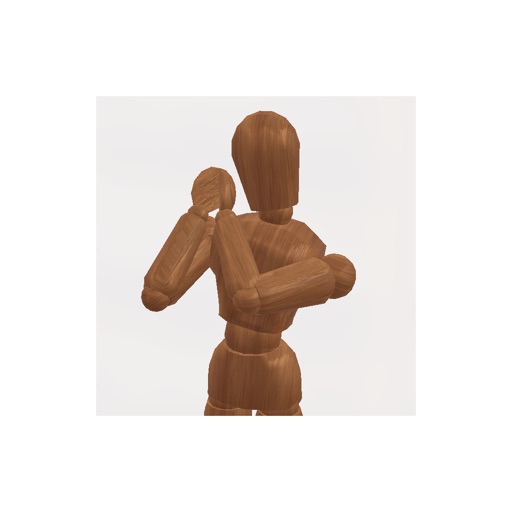
Create pose references for figure drawing using a 3D mannequin . Load and overlay reference images. Save and share poses. Mimic realistic human movement. Supports phones and tablets. Includes indie-developed features with future updates.
Monitor baby breathing through motion detection and receive real-time alerts. Track waking and sleeping patterns with notifications. Sync with a smart baby monitor for continuous monitoring and parental assistance.
Music parameters with multi-touch gestures, bi-directional surface mirroring, and various input methods including keyboard, accelerometer, and compass. Adjust sound design settings wirelessly across different environments.
The app measures vibrations, shakes, and movements using the iPhone's accelerometer. It calculates energy and displays results on a logarithmic scale, offering signal filters, configurable settings, recordings, and CSV exporting.