Practice handwriting, draw spirals, strengthen motor skills
Practice handwriting with customizable drawing tools. Adjust painting speed for different skill levels. Use varied colors, thickness, and calligraphy effects to enhance motor skills and penmanship accuracy. Track progress through repeated exercises.
by Anatoly Weinstein★ 3.645 ratingsEducationFreeData updated 2026-09-08
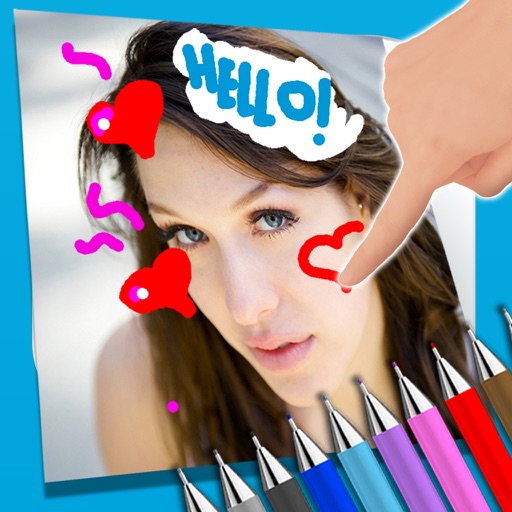
The app allows users to write notes and draw on images using a photo and text editor. Users can select from three pencil types and various colors, change backgrounds, and add captions to photos.
Explore a meditative physics-based platformer with immersive spatial controls. Navigate spiral structures using hand gestures. Adjust gravity and movement dynamics. Solve puzzles through environmental interactions.
Look up by handwriting, radicals, or search. View pronunciation, meaning, stroke count, and stroke order. Includes Japanese-English and Japanese-Japanese dictionary and translator.
The app allows children to paint and color a princess with various colors, markers, and crayons. Users can save or share their creations after painting or discovering the picture by scratching.
The app provides a creative coloring experience with 21 3D toys. It offers smart tools for painting, applying textures, and adding stickers to help develop spatial perception and color recognition.
The app allows users to create images by writing notes, drawing, and adding captions. Users can select photos from their gallery or take new ones to add various drawing tools and colors.
Children can paint using their fingers on colorful templates. Choose from -themed pages to create artwork. Save and share drawings. Learn to mix colors and use brushes to enhance creativity.
The app offers a coloring experience with selected animal drawings for children. Users can paint precisely, explore color combinations, and enhance creativity using a magic marker or palette.