Select images and set them as slideshow in the settings. Add date/time labels, analog clock, or calendar to the main screen. Adjust display settings for each added element. GPS data is not used in the .
by Shinji Tsuda★ 0.00 ratingsUtilities$0.99Data updated 2026-09-08
Edit photos with filters, select and apply Independence Day , add text with customizable font style and size. Share edited photos via social links. Set color options and arrange images in sets.
Edit photos by applying -themed frames from a collection. Select images from the camera or gallery. Add text to personalize messages. Share edited photos directly.
Add and stickers to photos and images. Choose from various spooky themes. Edit and enhance pictures. Share edited images directly. Apply high-definition effects. Create custom .
Perform and date calculations by adding, subtracting, or converting hours and dates. Display results in different formats. Set reminders for specific times or dates. Share results via copy-paste or email.
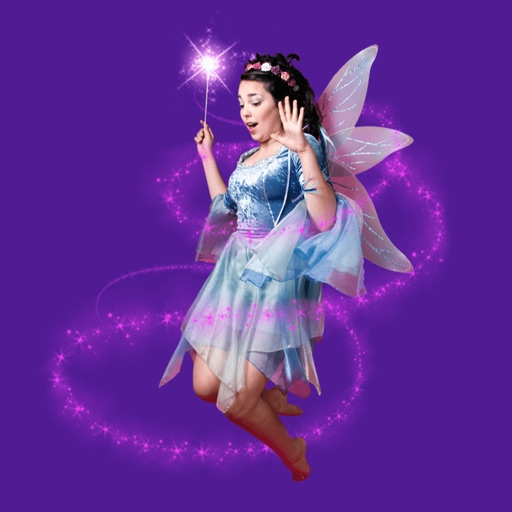
Add fairy stickers to photos to create magical scenes. Save and share edited images. Access high-quality, real fairy stickers. Purchase additional characters for more customization.
Displays Hijri and Gregorian dates alongside a stand clock. Converts between Hijri and Gregorian dates. Shows moon phases for any date. Tracks major events and festivals. Supports Retina and iPhone 5 screen graphics.
Organize and delete photos by swiping left or right. Filter photos by date, trip, event, or album. Select multiple photos for deletion. Free up space by removing unwanted images.
Countdown to with a timer and calendar. Set wallpapers and start screen images. Access a collection of sound effects for notifications or entertainment. Share content directly from the .
Add and to with customizable fonts and animations. Position and resize anywhere on the screen. Set duration using a time slider. Crop to square. Choose from preloaded or . Apply start and end animations to elements.
Provides calming sounds to aid sleep. Users can select from various ambient noises. Adjust volume and playback settings. Set sleep timers. Sync with smart devices for automatic playback.
Recreate vintage phone photos with authentic 2006-era settings. Adjust exposure, contrast, and color like an old . Preview images with pixelation and delayed focus. Share edited photos directly.
Clean up photo gallery by removing duplicate videos and images. Sort files by size, date, or location. Access a widget for free space and recent large files. Delete up to 15 files per session for free. Unlock unlimited deletions with in- purchase.
Resize photos and images with precise pixel settings to maintain quality. Adjust dimensions according to predefined sizes or custom measurements. Save and share resized files directly.
Edit photos using AI-powered tools for instant transformations. Remove objects from images automatically. Adjust colors, brightness, and contrast with advanced settings. Apply filters and effects for creative enhancements.
Repost images or videos to Instagram with added watermarks. Save repost history for quick access. Select media files and apply custom watermarks before sharing.
Add to photos with machine learning. Choose from Bokeh, Box, Motion, Crystallize, or Pixelate styles. Adjust intensity with a slider. Apply to single or multiple images.
Add watermarks to photos, videos, and other media. Include customizable elements like text, images, logos, and location data. Adjust size, color, and style of watermarks. Create and save templates for repeated use.
Create photo collages using over 200 frames. Select from photo frames or frames in the main menu. Edit photos with cropping, filters, and text. Combine multiple images into a collage. Record and edit videos. Add text and stickers to videos.