Create blur effects by tracing fingers over photos, with automatic border correction for natural results. Zoom in or out using pinch gestures for precise adjustments. Check results by tracing over the screen.
by Hiroyuki Fushida★ 3.97 ratingsPhoto & VideoFreeData updated 2026-09-08
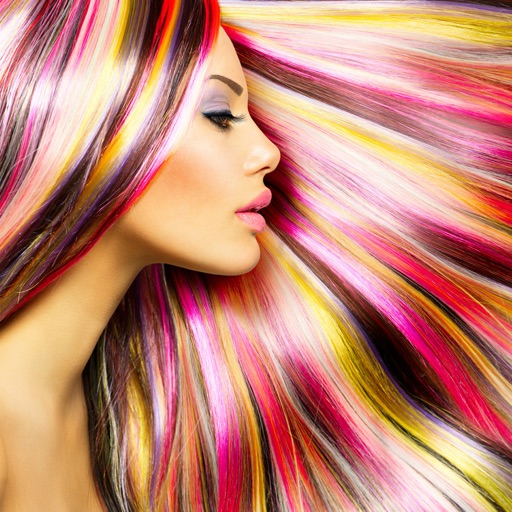
The app offers tools to transform photos with color splash effects, including sepia and cyanotype tones. Users can add frames, use custom cutouts, and adjust colors for vibrant results.
Automatically sorts duplicates into scenes, rejects blurry or blinking photos, and selects keepers based on user preferences. Manual allows scene browsing with closeups panel, side-by-side comparison, and synced zoom.