Create blur effects by tracing fingers over photos, with automatic border correction for natural results. Zoom in or out using pinch gestures for precise adjustments. Check results by tracing over the screen.
by Hiroyuki Fushida★ 3.97 ratingsPhoto & VideoFreeData updated 2026-09-08
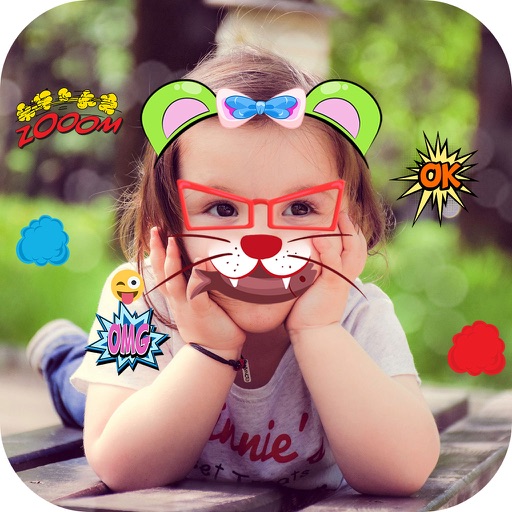
Take selfies and photos using front and back cameras. Apply live filters and magic filters. Crop, rotate, and flip images. Add text with various fonts and colors. Apply stickers and share edited photos.
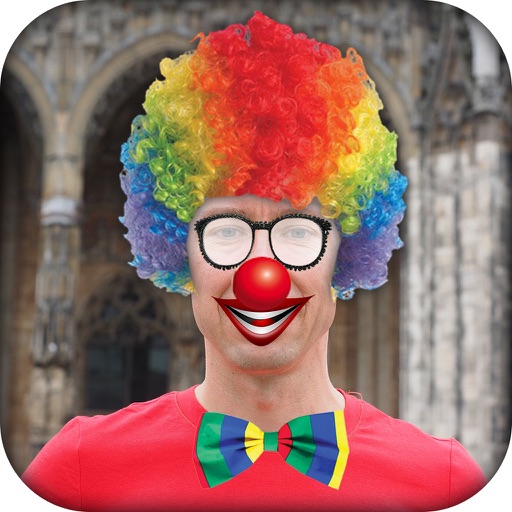
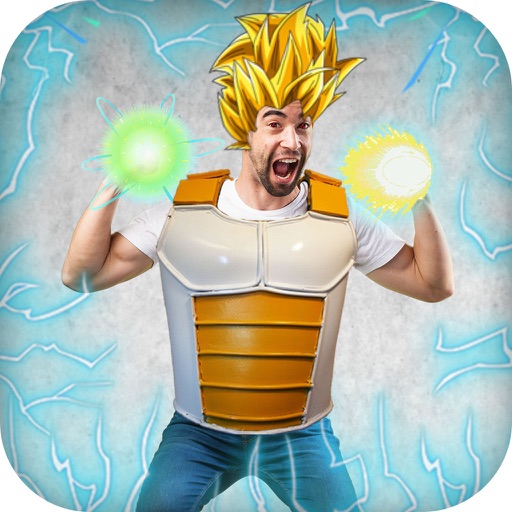
Edit photos by tapping to add ink or decorations. Use face recognition or touch to place elements precisely. Resize, rotate, and adjust photos with two fingers. Save and share edited photos on social platforms.