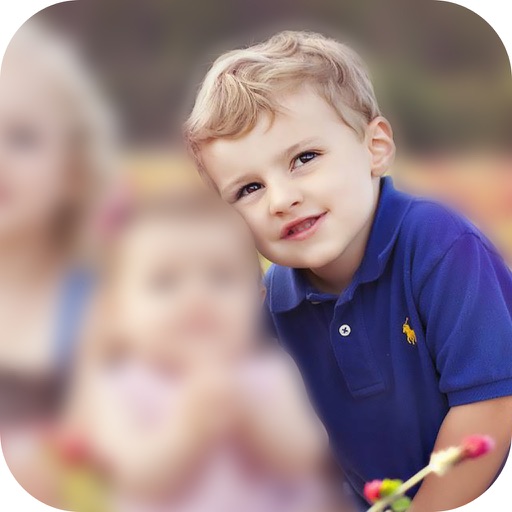
Create blur effects by tracing fingers over photos, with automatic border correction for natural results. Zoom in or out using pinch gestures for precise adjustments. Check results by tracing over the screen.
by Hiroyuki Fushida★ 3.97 ratingsPhoto & VideoFreeData updated 2026-09-08
Control camera video with touch gestures. Move, zoom, rotate, and flip the screen. Adjust focus and white balance. Modify image settings for enhanced viewing.
Edit photos to create fake miniatures or adjust depth of field. Modify areas and soften details. Apply - effects to enhance visual depth. Export edited images directly.
Create collages by arranging multiple photos into a single square layout. Adjust brightness, contrast, and white balance. Crop, rotate, and apply filters.