Zoom into images to view details at maximum screen size. Enlarge specific areas like eyes or text in photos. Adjust zoom levels for precise viewing on iPhone or iPad displays.
by Hiroyuki Fushida★ 2.25 ratingsPhoto & VideoFreeData updated 2026-09-08
The app displays an audio spectrum waterfall for signals like QRSS CW and FSKCW. Users can adjust frequency ranges, audio levels, FFT size, and window types.
Convert images to PDF by scanning from the camera or selecting photos from the camera roll. Generate PDF files in high quality with minimal file size. Print PDFs as needed. No sign-in required and no paid content.
The app displays 3D models that rotate automatically for viewing from any angle. Users can control the models to stop rotating and turn them left or right.
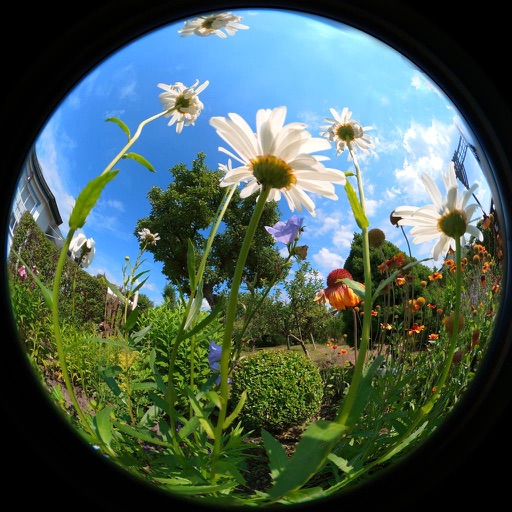
View photos and videos captured with lenses, offering wide-angle perspectives up to 230 degrees. Zoom in on images, save them for personal use, and access content requiring an internet connection.
Record and view endoscopic exams with high-resolution video and images. Add patient details as watermarks for record-keeping. Use landscape mode for better compatibility with endoscopes. Share captured media directly with healthcare systems.
Create images by adjusting dot size and blending ratios. Apply rare effects to photos. Generate images similar to newsprints or street advertisements. Export and share modified photos.
Transform photos into artwork with 9 painterly styles and adjustable settings. Zoom and pan for detailed edits. Undo/redo actions prevent mistakes. Interactive art allows revealing details or adding brushstrokes. Save and share edited images.
The app provides a powerful editor with a simple design for photo enhancement. Users can add custom textures, stickers, and text to their images, with options for focus, color splash, and various filters.
Manage workorders by viewing status, details, and consumer information. Schedule or reschedule appointments. Access certification data and register for . Track all associated workorders and update registration information.
Manage and control a cloud-connected photo frame via local network. Remote view and share photos, send cloud images, and adjust frame settings. Download photos to mobile devices and share via WeChat.
Customize text, choose colors, display messages full
Create custom scrolling or static text messages with adjustable font size and color options. Choose from text and background colors. Display full screen without internet. Supports emojis and multiple effects like blinking.