Manage audio plugins with a single interface. Support Audio Units, VST, MAS, and RTAS formats. Load, configure, and route plugins within DAWs. Save and recall plugin settings across sessions.
by Jan Thiele★ 0.00 ratingsUtilities$1.99Data updated 2026-09-08
Manage connections, monitor bandwidth usage, and track device activity. View detailed statistics, configure settings, and access advanced tools for analysis and troubleshooting. Supports macOS Catalina, Big Sur, and Monterey with a native interface.
Analyzes audio input signals from Mac or iOS devices. Users can assign engineering units and calibrate external transducers for accurate measurements. Input channel units and sensitivity can be adjusted for precise data collection.
Access remote support via live audio and video calls with qualified technicians. Diagnose and resolve system issues in real time. Ensure continuous plant operation through quick deployment.
Manage and edit scuba diving logs with detailed entry options. Download dive data from compatible dive computers. Track dive history, depth, time, and location. Export logs in various formats. Sync with iOS for seamless data management.
Convert videos and DVD ISO files to -compatible formats. Extract audio to MP3 or M4A. Crop videos and convert to 3D formats. Import files from Movies, iTunes, or Camera. Batch process multiple videos for playback on .
The app provides audio recording capabilities for users to capture and manage important events or ideas. Users can record audio, add notes, drawings, and images, and share recordings via email.
The app allows musicians to adjust song tempo and pitch for easier learning. Users can loop song sections, fine-tune equalizer settings, and export modified audio files.
Decode code audio into text. Display audio spectrum and tone amplitude graphs. Adjust narrow band audio filter between 400-1600 Hz. Set WPM speed for dot/dash detection. Configure tone frequency thresholds. Export decoded text.
The app provides clear audio recordings for various uses, such as vocal diaries or meetings. Users can record and share audio files with a single touch.
The app captures screen activity with video and audio, and includes webcam overlays. Users can draw on recordings, take screenshots, and export in multiple formats.
Convert audio and video files to text with automatic transcription. Generate voiceovers and subtitles from transcripts. Organize and export content in various formats. Integrate with project management tools for workflow efficiency.
The app records up to 256 audio channels to WAV and CAF files. It supports various sample formats, sample rates, and recording to multiple devices simultaneously, while capturing metadata like project, scene, and timecode.
Displays overview, CPU usage, memory stats, and network activity in one interface. Users can monitor total, user, and CPU load, track memory usage types, and view current network details.
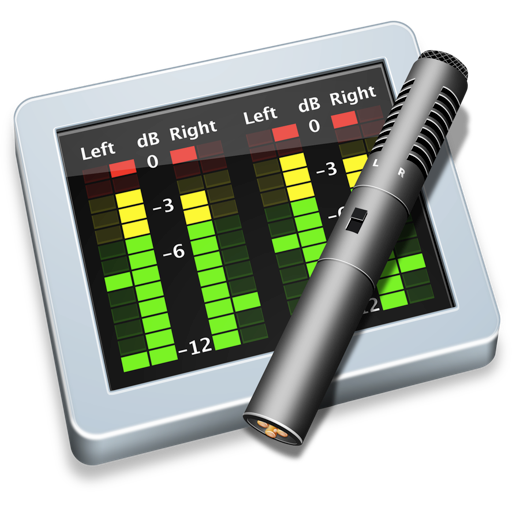
Monitor audio levels and mono compatibility in real time. Display multiple channel inputs with resizable windows. Support third-party routing software for external audio sources. Update at 30 frames per second.