Apps Like FreeCell Solitaire Now for iPhone and iPad
Play , share scores, challenge friends
Play with all cards visible. Move cards between eight columns, four free cells, and four home cells. Share scores on Facebook and Twitter. Complete the game by organizing all cards into home cells.
by Odesys, LLC★ 4.574 ratingsGamesFreeData updated 2026-09-08
The app offers a classic FreeCell Solitaire card game optimized for smartphones. It is suitable for quick breaks or brain training, featuring easy touchscreen play with tap-to-move functionality and an undo feature.
Play card games with tripeaks and classic variations. Manage card stacks, move cards between piles, and complete levels. Track progress and compete against other players in a -themed .
Play by open pairs of identical tiles and removing them from the board. Choose from 4 themes, use hint, undo, and shuffle options. Access 200+ layouts with HD graphics. No time limits and every layout is winnable.
Play Solitaire in five different modes including Klondike, Spider, Freecell, and more. Move cards between piles, build sequences in descending order, and clear the tableau. Save progress, set difficulty levels, and compete in timed challenges.
The app is a solitaire game played with two decks of cards. It offers options to draw one or three cards at a time, supports landscape and portrait orientations, and includes features like unlimited undo, hints, and auto-complete.
This game is a variant of FreeCell Solitaire played with two decks. The objective is to move all cards to eight foundations by suit from Ace to King, utilizing eight free cells for temporary storage.
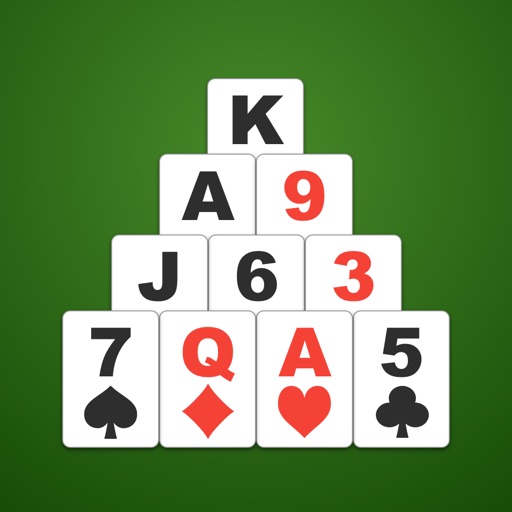
Play Solitaire by removing pairs of cards that add up to 13. Customize background and card backs with photos or colors. Move cards via tap or drag-and-drop. Use hint function and check game over status. Adjust card size as needed.
Play Free using a standard 52-card deck. Move cards to four Foundation piles to build suits from Ace to King. Use four open cells to temporarily store cards. Drag and drop cards between piles and cells.
The app offers fifteen solitaire games including Klondike, FreeCell, and Spider. It supports portrait and landscape modes with an easy-to-use drag-and-drop interface.
This is a version of the classic solitaire game where all cards are visible from the start. Users can use four free cells as placeholders to build Foundation stacks and win.