Apps Like Notion: Music Notation & Tab for iPhone and iPad
Compose in notation or tablature
Create musical compositions using traditional notation or guitar tablature. Edit scores with touch-based interface and advanced tools. Play piano keyboard, fretboard, or drum pad. Use handwriting recognition for input. Export and share compositions.
by Fender Digital, LLC★ 3.170 ratingsMusicFreeData updated 2026-09-08
View chords in augmented reality on a piano. See finger placements for over 130 chords. Play chords by touching the piano keys. Adjust settings and save custom configurations.
Use AI to separate vocals, drums, guitar, bass, piano, strings, and other instruments from any song. Adjust playback speed and key. Organize and share work-in-progress music. Transcribe lyrics and edit audio tracks.
Learn to play with interactive and musical exercises. Explore animal, letter, and number . Compose simple melodies. Track progress with visual feedback. Share creations with family.
The app plays monophonic melodies and converts them into music notation. Users can edit scores, change playback sounds, and share results via email, Twitter, or Facebook.
Learn music notation, fingerings, and rhythms through interactive exercises. Practice note identification and timing under a countdown. Track progress with belt tests and receive feedback on accuracy and speed.
Explore music ragas with detailed information on Melakarta and Janya ragas. Search by name or swaras with partial or exact matches. View ascending and descending scales for each . Create and save favorite ragas for quick access.
Children can play virtual instruments like , xylophone, trumpet, flute, violin, guitar, drums, saxophone, and accordion. They can create melodies, tap rhythms, and customize instrument sounds.
Stream live or on demand classical music and local arts news from Pittsburgh and Southwestern Pennsylvania. Access multiple streams including Pittsburgh Concert Channel, archived Symphony Radio broadcasts, and Q the Music.
Play by tapping to create melodies with guitar and piano. Decorate a tower with customizable diorama bricks. Add animals like cats, kittens, dogs, and ghosts to your tower. Start concerts and enjoy calming, stress-free gameplay.
Learn melodies and chords from 16,000 classical pieces. Play with tempo and pitch adjustments. Access smart score scrolling during playback. Share performances. Connect via keyboard using USB adapter.
Create and refine chord progressions with real-time suggestions and harmonic analysis. Adjust key signatures, invert , and explore voice leading. Save and export progressions for use in music projects.
Create piano videos by adding real video footage and customizing with particles, lights, and 3 visualization styles. Edit MIDI files, choose music colors, and render in 4K. Sync with keyboard saber and export final videos.
Play with a full 88-key keyboard and haptic feedback. Use multi-touch for chords and dynamics. Access 50+ instrument tones. Learn through interactive practice. Control via widgets without launching the .
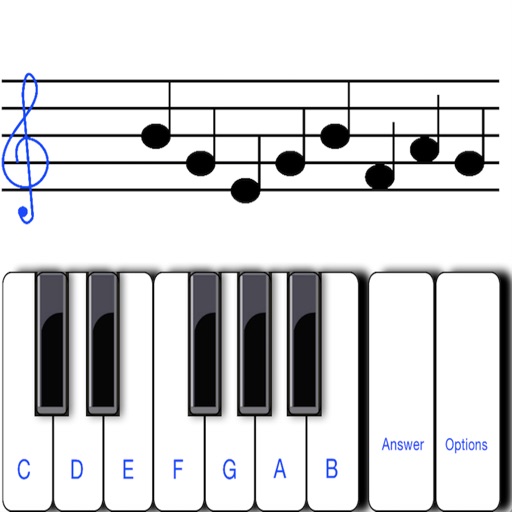
To sight notes in G and F clefs. Practice notes across six octaves, including those above and below the staff. Randomly generated notes apply to any instrument. Switch clefs for varied practice. Beginners can limit octaves and set their pace.
Turn your iPhone or iPad into a musical instrument. Play the with touch gestures, adjust volume and pitch, and access lesson tutorials. Sync with other devices and share performances.