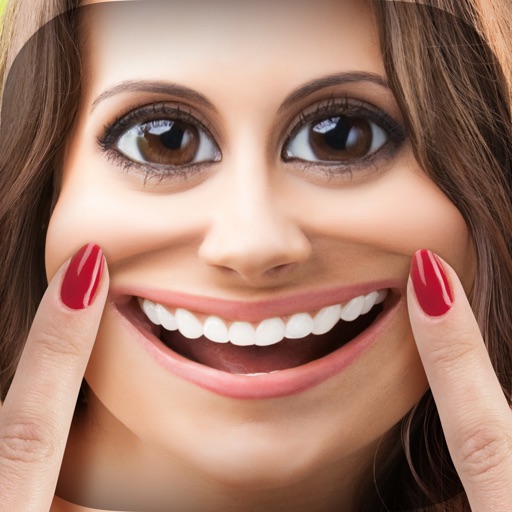
Create blur effects by tracing fingers over photos, automatically corrected for natural results. Zoom in or out with pinching gestures for precise . Check results by tracing over the screen.
by Hiroyuki Fushida★ 3.24 ratingsPhoto & Video$0.99Data updated 2026-09-08
Edit photos with , bend, and distortion tools. Apply one-click makeovers for facial and body changes. Adjust body shape, slim down, or enlarge features. Save and share modified images.
Take selfies with a live beauty and apply custom filters. Create collages in 18 styles with masks and frames. Add spiral or neon effects to photos. Enhance and save library images. Capture selfies with a timer.
The app provides tools for photo editing and stop-motion video creation. Users can capture or load photos, apply effects, and arrange them to build stop-motion and time-lapse videos.
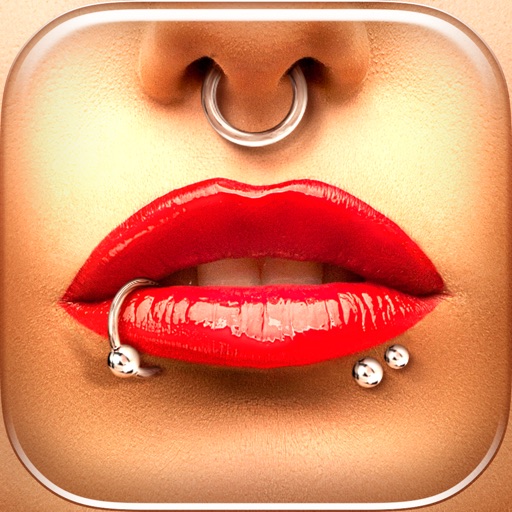
Try different styles with realistic effects. Choose from face, ear, belly, labret, teat, and nose categories. Select from over 300 objects. Adjust placement and size for custom looks. Share edited photos directly.
Displays sound waveforms and spectra using Fourier transform. Identifies frequency characteristics and detects peaks. Supports pinch zoom gestures for detailed analysis. Assists in sound adjustment and howling prevention.
Offers a blank white screen for tracing. Users can add, resize, rotate, and move images using on-screen gestures. effect, screen brightness control, and screen locking are available. Image brightness and contrast can be adjusted.
Edit videos with controls including focus, exposure, ISO, and white balance. Apply slow motion, speed up, add borders, filters, text, music, blur, emojis, and stickers. Share directly to YouTube, Facebook, Snapchat, Twitter, and Instagram.
Create animated GIFs, videos, or Live Photos by adding and trimming multiple videos, adjusting playback speed, and layering photos. Include text and export directly. No subscription required.