Record and playback audio with a single button for each action. Play sounds one at a time. Lock interface for controlled access. Designed for users with physical difficulties in pressing small buttons. Used in therapy for special needs students.
by Aardustry GmbH★ 5.02 ratingsEducationFreeData updated 2026-09-08
Play through 36 unique puzzles with and shuffle formats. Paint and save children's drawings. Record and play back their voice. Choose difficulty levels from 2 to 30 pieces.
Play expressive music using 10 sounds including flute, piano, and guitar. Access 36 notes across 3 octaves via 7 music buttons, a flat note button, and two octave buttons. Customize button positions for easier navigation.
Play atmospheric sounds, sound effects, and music simultaneously to enhance RPG gameplay. Choose from over 1500 sounds. Manage multiple audio tracks. Save custom sound combinations. Share sound presets with others.
Record phrases to create reversed sound clips. Listen to reversed versions of your recordings. Attempt to mimic the reversed and play your result in . Share clips with friends and challenge others.
Play with a full 88-key keyboard. Adjust key size for easier touch. Choose from a sampled or 128 MIDI instruments. Zoom in and out for better control. Includes a single banner ad. Optimized for iPad use.
The app provides a toy keyboard for children with various instrument sounds including piano, guitar, and drums. Users can play notes on a touchscreen keyboard or use the accelerometer to trigger automatic performances and record songs.
Control instruments with multi-touch gestures. Adjust parameters in real-time. Route audio and MIDI signals. Access transport controls and mixer functions. Perform live using touch-based input. Sync with Pro or GarageBand on Mac.
Explore 6 different locations with 6 each. Choose difficulty levels from 2 to 30 pieces. Complete 36 unique designed for children aged 1-8. Track progress and unlock new as players advance.
Use your device as a live microphone to amplify your voice. Connect via Bluetooth, AirPlay, or cable to any . Tap the screen to activate or deactivate the audio output. Works in the background and when the screen is locked. No setup required.
Learn with interactive audio clips. Tap to play each sound. Match to corresponding names. Test knowledge with quizzes and progress tracking. Share results via social media.
The app allows users to create musical instruments from sampled sounds. It can receive MIDI messages from external keyboards to play notes and transform any MIDI keyboard into desired instruments or special effects.
Play with customizable key labels and sustain pedal. Record performances and use custom sound fonts. Support inter- audio and EXS24 instruments. Launch instantly with home screen widget. Track pitch for vocalists and compose on the go.
Record and playback performances customizable signal types and channel selection. Include FM sounds and an on-screen keyboard for note-taking. Save files as Standard Format without subscription.
Record audio files and edit them with trimming, cutting, and effects. Add noise reduction and apply various audio enhancements. Save and export in multiple formats.
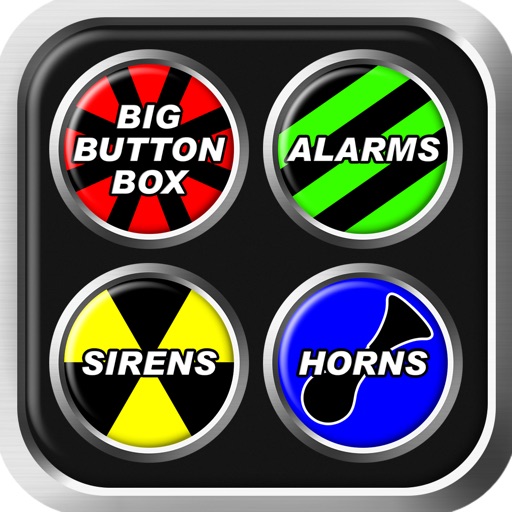
Big Button Box lets users select from over 250 sounds including alarms, , and . Play sounds in different modes such as Big Button or Air Drum. Adjust pitch using the Pitch Shift feature. Share sounds via social media or messaging.
Simulate a classical four-row accordion with realistic key layout and touch controls. Play pre-recorded high-quality samples. Adjust volume and mute individual keys. Save and share performances.