Educational provides 52 illustrated flash cards with audio support. Users select cards for students to view. Students answer yes/no questions to practice questioning and reasoning. Automatic scoring option allows students to select answers.
by Super Duper, Inc.★ 4.01 ratingsEducation$3.99Data updated 2026-09-08
Practice vocabulary and categorization with illustrated flash cards and audio. Select cards to display, have students items. Include prompts for themed categorization. Track progress and review responses. Sync with classroom activities.
View illustrated picture cards with accompanying audio. Select cards for students to answer how-to questions. Develop reasoning, problem-solving, and sequencing skills through interactive responses. Export progress and share results.
Practice personal pronouns "I" and "me" illustrated flash cards and audio prompts. Students fill in blanks to complete sentences. Select cards for customization. Automatic scoring provides instant feedback.
Provides illustrated picture flash cards with audio support. Users select cards for students to view and answer questions about Bee sees. Prompts include scenarios like at the zoo or hiding in a box.
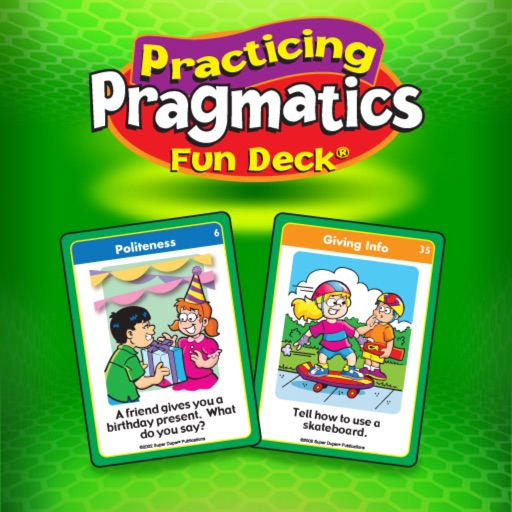
Learn social skills through illustrated flashcards with audio support. Answer questions about politeness, problem-solving, and communication. Customize card selection and review topics like feelings and telephone skills.
The app presents 52 illustrated flash cards for practicing irregular verb tenses. Students can select answers to complete sentences and receive feedback on their responses.
Discuss community locations with illustrated cards.
The app presents 56 illustrated flash cards with audio from the WH Questions in the Community Fun Deck. Users can select cards to discuss community locations and answer prompts.
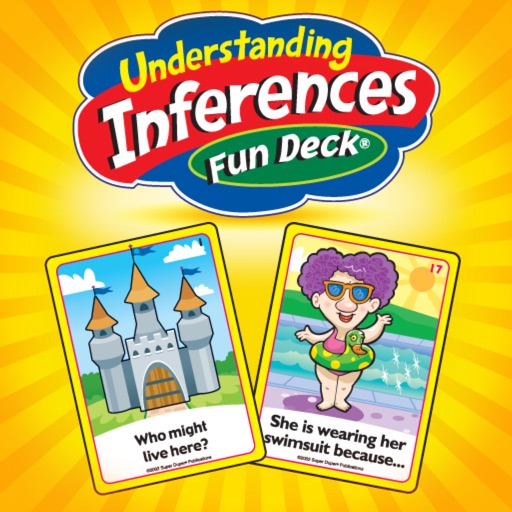
The app presents 52 illustrated flashcards to help students improve inferencing and reasoning. Users can select cards, track responses for multiple players, and view results in a graph.
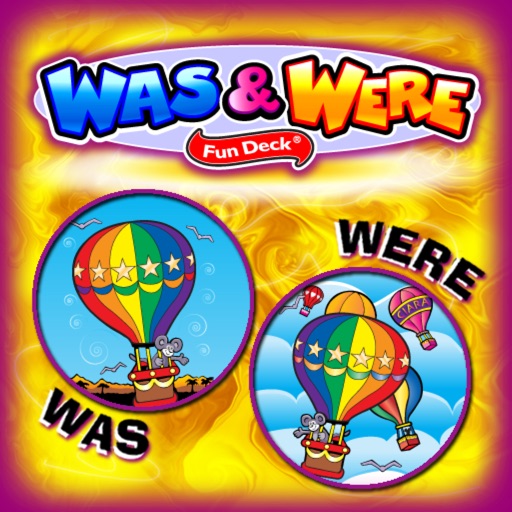
Provides illustrated flashcards with audio support for practicing "was" and "" verb forms. Users can select cards, display prompts, and have students fill in blanks. Automatic scoring is available for immediate feedback.
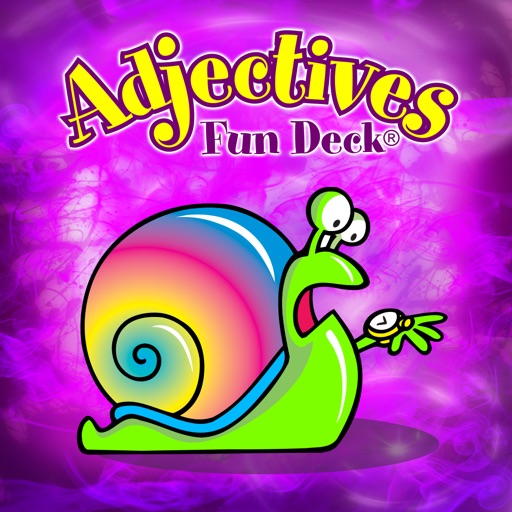
This app provides 52 illustrated flash cards with audio for learning adjectives. Users can select cards, track responses for unlimited players, and view results in a graph.
Educational provides 56 illustrated flashcards with audio support. Users select cards for students to identify from paired words. Prompts include sentences requiring opposite word selection. Cards include visual and auditory elements for learning.
Practice vocabulary with illustrated flashcards and audio pronunciations. Select cards to display and complete fill-in-the-blank prompts. Focus on categorizing and describing items. Track progress through repeated practice sessions.
The app presents 54 illustrated flash cards with audio prompts. Users can select cards for students to practice categorizing and classifying by identifying the item that does not belong.
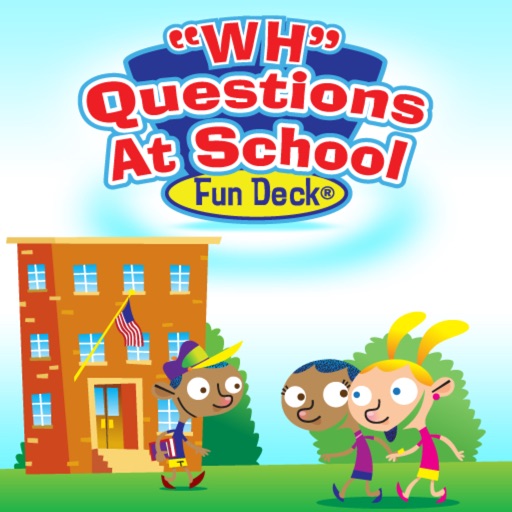
The app presents 56 illustrated flash cards with audio for WH questions about school. Users can select cards, track responses, and view results in a graph.
This educational app presents 52 illustrated flash cards with audio prompts for comparing and contrasting items. Users can track responses for multiple players and view results in a graph, with options to print or email data.
This educational app features 120 illustrated flash cards for learning pronoun usage. Students can fill in blanks in sentences and receive feedback on their answers, with options for manual or automatic progression.
This app provides 56 illustrated flash cards to help students discuss reactions to community situations. Users can select cards, track responses, and view results in a graph.
The app presents 56 illustrated flash cards for practicing regular and irregular plurals. Automatic scoring and audio prompts are available, with options to track unlimited players and view results in a graph.
Provides illustrated flashcards with audio for . Users can select cards for practice, fill in blanks to complete sentences, and use automatic scoring to assess responses.