Create art with a wax simulator that mimics real-life drawing. Adjust stroke size based on finger contact area for precise control. Draw thin lines with fingertips or broad strokes with full finger pressure.
by Norbyte★ 4.6226 ratingsGraphics & DesignFreeData updated 2026-09-08
Create and customize digital artwork with a wide range of colors and brushes. Choose from pre-designed pages or upload personal images for . Switch to dark mode to reduce screen strain. Save and share completed drawings.
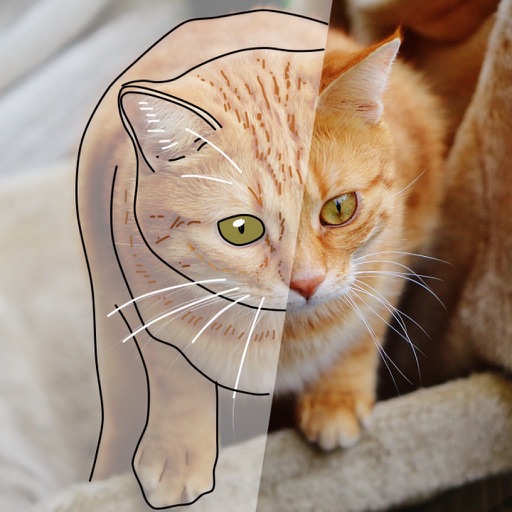
The app converts photos into pencil sketches for coloring. Users can import pictures from photo albums, the camera, or Flickr, and color them using touch controls.
The app is a drawing, animation, and tilemap application. It allows users to create spritesheets, edit frames, and export creations to PNG, animated GIF, and CSV files.
Create digital art using augmented reality features. images from uploaded files or projected visuals for precise sketching. Draw directly on paper with built-in tracing tools. Export artwork in multiple formats and share drawings.
Draw and create with finger or Apple Pencil. Access professional tools including layers, brushes, and materials. Import images. Edit and save drawings. Share completed artwork.
Create collages by adding to photos or videos. Choose canvas size and color. Customize with font, size, border, color, gradient, stroke, and shadow. Add stickers or GIFs. Save projects for reuse. Access 300+ fonts for multiple languages.
Create and customize featuring gradient palettes. Select from patterns, multi-, vibrant, or pastel gradients. Unlock all images a single in- purchase. Restore previous purchases. No subscriptions required.
Use camera to draw and paint in augmented reality. Access tracing templates for animals, cars, nature, food, anime, and more. Adjust brush size and color. Save and share artwork directly.
The app allows friends to place fingers on the screen, and it selects one. It can be used for making decisions such as assigning chores or choosing a dining location.
Create and organize notes with a freeform canvas for sketching, annotating PDFs, and journaling. Use AI to generate text from handwriting, search notes by content, and structure ideas with tags and folders.
Draw dots by pressing one finger, adjusting size based on press duration. Create lines and shapes with multiple fingers. Manipulate polygons by moving vertices. Export drawings in various formats. Share creations directly.
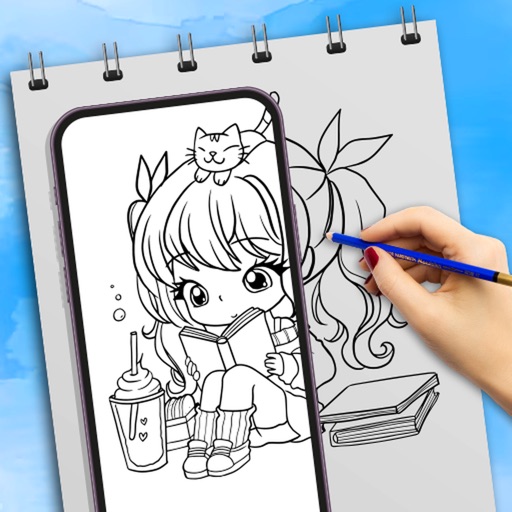
Learn to draw anime characters with structured lessons covering basic poses and chibis. Access coloring pages for stress relief. Use realistic brushes to enhance techniques. Track progress and practice different art styles.
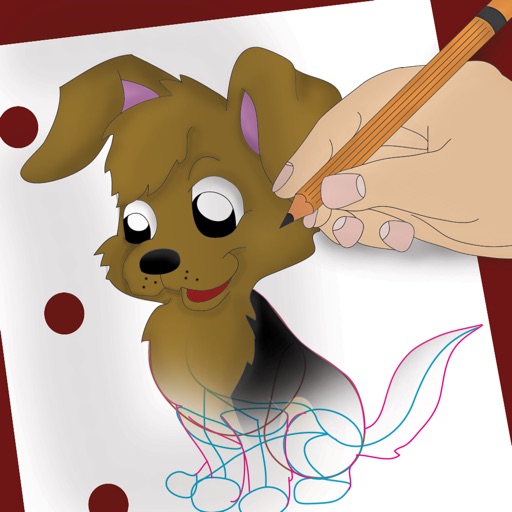
Over image templates with automatic pen tracking for accurate . Select from preloaded categories like animals, flowers, and vehicles. Choose from over 150 colors to customize drawings. Export final artwork in various formats.