Create effects to enhance photos. Apply 40 tints and adjust images directly. Add photos from the album or take new ones. Save edited photos within the . Share images on Facebook and Twitter.
by Maneesh Yadav★ 4.6145 ratingsEntertainmentFreeData updated 2026-09-08
Apply real-time cartoon and art effects to live camera feed. Record videos and take photos with cartoon filters. Convert existing videos into animated cartoons. Share edited content directly.
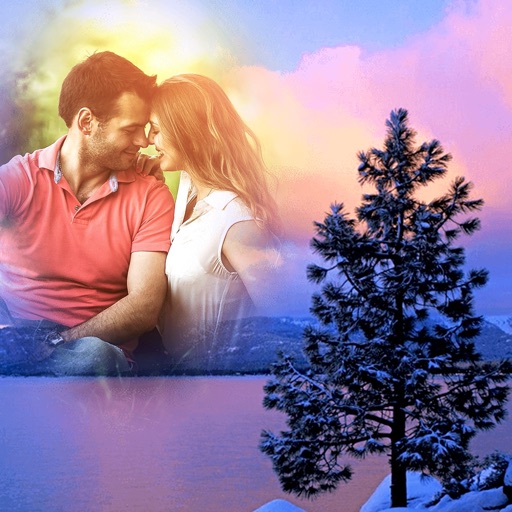
Edit photos with seasonal frames and nature effects. Select images from the gallery or take new photos. Apply filters and effects to enhance visuals. Save and share edited photos directly.
Transform photos into , oil, digital, or contemporary art styles. Apply artistic effects with one tap. Adjust brush size, color, and texture. Save and share edited images directly.
Edit photos adjustable temperature, tint, and exposure settings. Use texture blending tools and apply effects. Add stickers opacity and shadow control, and include text 3D effects and multiple fonts. Crop, rotate, and straighten images.
Create artistic images with single-tap camera effects and professionally designed filters. Adjust brightness, contrast, and tone curve. Blur and focus images. Rotate, crop, and resize photos. Add text and fun stickers.
RAY INFORMATICS YAZILIM TEKNOLOJI MEDYA DANISMANLIK VE EGITIM TICARET LIMITED SIRKETI
Edit portraits with AI precision
Edit portraits with AI-powered depth control and background blur. Adjust aperture, bokeh, and focal length for realistic DSLR effects. Capture cinematic shots with intuitive controls. Sync with Apple Health for fitness tracking.
Apply effects to photos in real time with 8 live lenses. Add 60 live filters to lenses or use 60 static filters for creative enhancements. Capture and share edited images directly.
Edit photos and videos with AI-powered tools, apply filters and overlays, and create dynamic videos from images. Share edited content via email or social media platforms like Instagram and Facebook.
Edit photos with color and film filters, vintage textures, and light leak effects. Adjust brightness, contrast, and saturation. Add vignettes and analog film sensations. Export edited images in various formats.
Edit with filters, stickers, and emojis. Create photomontages with built-in effects. Apply artistic tools for detailed edits. Add with customizable fonts and colors. Export and share edited images directly.
Remove with automatic portrait recognition or brush matting tools. Choose from multiple shape options for precise masking. Add color line strokes to edited areas. Export modified images directly.
Edit photos and videos with gradient filters, color effects, and vintage styles. Apply effects during recording. Save and share edited content directly.
With filters, cropping, and adjustment tools. Apply beauty enhancements and double exposure effects. Use color splash and resize images. Access frames and story templates. Change resolution and export in multiple formats.
Apply realistic filters for vintage tones. Add grain and scratches for authentic texture. Adjust exposure and contrast for -like lighting. Export in high resolution and share directly.
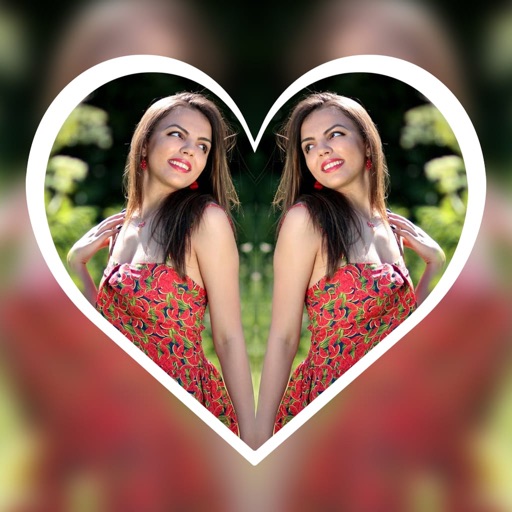
Create reflection for photos with left-right, up-down, and repeating options. Apply cool filters and artistic frames. Edit images to generate twins and typography .
Create custom bordered wallpapers from your photos
Create custom bordered wallpapers by importing photos from your library or selecting included images. Adjust border color, style, and opacity. Export wallpapers to your photo library and apply them to home or lock screens.
Edit photos with HDR effects, filters, and detailed adjustments. Enhance images with powerful lighting and contrast tools. Save and share edited photos in various formats.
Create reflection effects with left-right, up-down, or repeat options. Apply effects and designer frames to enhanced images. Select from gallery or capture new photos for editing. Export and share edited images.
The app allows users to create color patterns and apply them to photos. Users can define custom patterns by adjusting colors for gray levels or modify existing ones.
Take photos or select from gallery. Apply beauty filters and edit selfies. Use over 240 filters and 800+ stickers. Crop photos and adjust sizes. Edit photos with built-in effects and blending tools.