Scientific calculator allows users to perform complex calculations with swipe navigation between functions. Access exponents, logs, and sinus functions easily. View all functions on iPad, with additional options in landscape mode.
by Hannes Sverrisson★ 4.86 ratingsUtilitiesFreeData updated 2026-09-08
With 9000 common words and phrases, including high-quality audio. Practice through quizzes and word rearrangement games. Organize lessons into categories and subcategories for structured learning. Translate between 32 languages and Swedish.
Solve complex equations with trigonometry, logarithms, powers, and factorials. Graph functions instantly in DEG/RAD mode. Switch between scientific and graphing modes. Store and recall equations. Export graphs and calculations.
Perform complex calculations with functions and formula support. Use speech to input and receive answers, with full VoiceOver compatibility. Adjust button size and color for better visibility. Access high contrast mode for improved readability.
The app allows users to control Arduino boards and receive information through various connection methods. It displays specialized widgets for sending and receiving data, with options for visualization and debugging.
Perform calculations with advanced operators and scientific functions. Use trigonometric, logarithmic, and round functions. Calculate tips and discounts. Edit expressions on the fly with a magic cursor. Share results directly.
The app improves fluid intelligence by training users to remember simultaneous audio and visual events. Users practice a 2-back task involving remembering past letters and square positions, with training logs exportable for analysis.
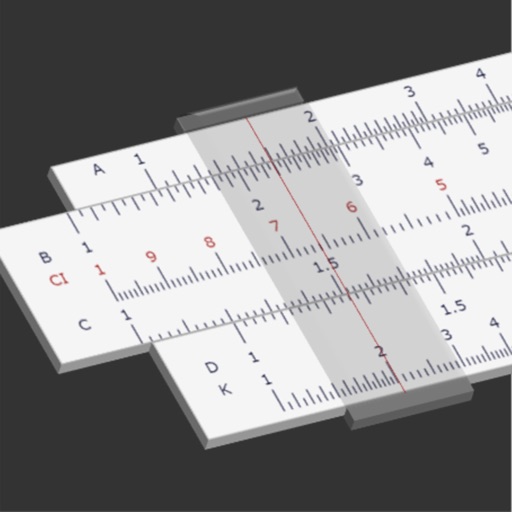
The app simulates a mechanical analog calculating tool with multiple scales. It allows users to move the slide strip and cursor for calculations like multiplication, division, and trigonometric functions.