The app samples colors from a camera or image, displaying components in various formats. It stores sampled colors in swatches that can be exported and imported in multiple file types, including ASE and ACO.
by Sunshine Valley Systems★ 4.02 ratingsPhoto & Video$3.99Data updated 2026-09-23
Create artworks by filling images with shapes using compound paths, groups, or bitmaps. Apply various galvanization methods and settings. Import files in PDF, AI, EPS, and image formats. Export to PDF, PNG, JPEG, GIF, TIFF, and JPEG2000.
Remember colors from photos with . Extract colors from the photo library and name them. View saved colors, learn about their details, and edit or delete entries as needed.
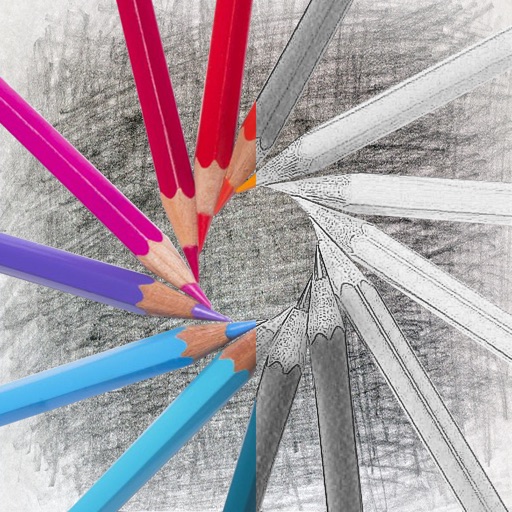
Convert photos into sketches with tone drawing engine. Adjust pen color, size, and background. Generate strokes with transparent backgrounds. Save sketches in original size and colorize with original colors.