Apps Like Engineering Unit Converter for iPhone and iPad
Convert units and currencies instantly
Convert units by entering a value in the desired and view conversions for multiple target units simultaneously. Display settings allow customization of text size and layout. Includes a currency for exchanging between different currencies.
by Vector 254 LLC★ 4.385 ratingsReferenceFreeData updated 2026-09-08
The app offers unit conversions for acceleration, angle, area, density, distance, energy, force, mass, power, pressure, speed, temperature, time, and volume. All conversions are performed on a single screen.
Convert units by typing the desired directly. Support fractions, decimals, and custom precision. Perform basic math operations. Save favorite conversions. Convert between metric and imperial units, including fractional inches and feet-inches formats.
Units between Fahrenheit and Celsius, miles per hour and kilometers per hour, miles and kilometers, feet and meters, square feet and square meters, pounds and kilograms, cups and deciliters, and fluid ounces to milliliters.
Resize images in pixels, millimeters, centimeters,
Resize images by specifying dimensions in pixels, millimeters, centimeters, or inches. Maintain aspect ratio by linking width and height fields. Save, email, print, or share the resized .
Perform calculations with math functions and trigonometry. Switch between units like feet, inches, yards, and metric. Visualize measurements and fractions. Track projects with customizable templates. Export results in various formats.
Convert units across categories like length, weight, temperature, and volume. Switch between 100+ built-in units. Add custom units. Convert between imperial and metric systems. Save frequently used conversions. Share results via copy or email.
Convert units and currencies by typing queries in a single input field. Supports over 900 units and 170 currencies. Dynamically recognizes abbreviations and symbols. Search for conversions similar to web searches.
Calculate measurements and perform unit conversions for projects. Perform trigonometric calculations and angle measurements. Access a full user guide and use built-in formulas for precise calculations.
Convert units across multiple categories on a single screen. Perform calculations with a built-in numeric keyboard. Add custom units and categories. Navigate quickly with minimal scrolling. Supports both basic and complex conversions.
Perform financial calculations with tools for loan analysis, amortization schedules, and refinance savings estimation. Convert units across multiple categories. Automatically generate notes and track expenses for budgeting and planning.
Measure objects with a camera ruler mode that uses your phone's camera for distance calculations. Switch between inches and centimeters. Adjust measurements with precision sliders. Access a classic ruler and tape measure for manual measurements.
Plus allows users to perform basic math operations including addition, subtraction, division, multiplication, squaring, and square root. It features large buttons, clear numerals, and horizontal mode for additional controls.
Convert units across 22 categories with 148 available options. Customize favorite conversions and track currency rates updated every 15 minutes. Access conversions quickly from the menubar. Supports full dark mode.
Convert units between and imperial systems. Switch between weight, length, temperature, and area measurements. Input values and receive instant conversions. Share results via copy or email.
1. Convert units, currencies, and timezones instantly by typing a number and a few letters. Use a dedicated numpad to switch keyboards. Learn conversion patterns over time. Fetch current currency rates and display approximate values when needed.
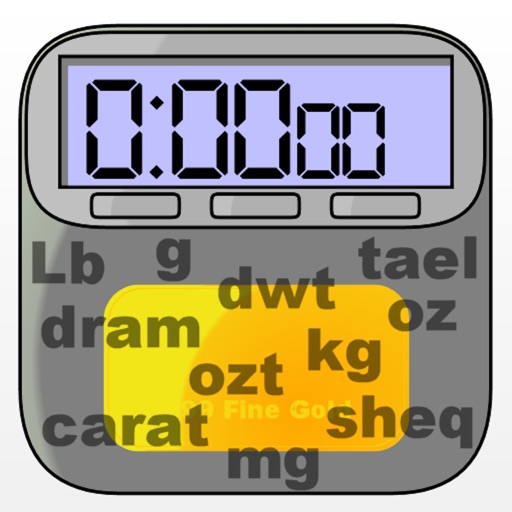
The app converts between various weight and mass units relevant to jewelers. It supports Avoirdupois, Metric, Troy, and Ancient units on iPad, iPhone, and Apple Watch.