Apps Like Engineering Unit Converter for iPhone and iPad
Convert units and currencies instantly
Convert units by entering a value in the desired and view conversions for multiple target units simultaneously. Display settings allow customization of text size and layout. Includes a currency for exchanging between different currencies.
by Vector 254 LLC★ 4.385 ratingsReferenceFreeData updated 2026-09-08
Measure objects using touch as or tape measure. Split objects into equal parts and calculate width/height ratios. Estimate diameter, angles, and divide circular objects. Switch between millimeters and inches for units.
Check account balance on-demand. Rent units and sign contracts quickly. Make secure rent payments with a few taps. Contact front office for assistance anytime.
The app calculates the weight and cost of 3D objects made from various metals. It accepts input in independent units and supports switching between English and metric systems for both input and output.
Calculate airflow displacement by inputting velocity or volume. Select duct type and dimensions with unit options. Instantly display results in preferred units including fl/min, m/s, and ft3/min.
Calculate differences between dates and times. Add or subtract hours, minutes, and seconds. Convert formats and view results in various units. Track elapsed and set custom intervals.
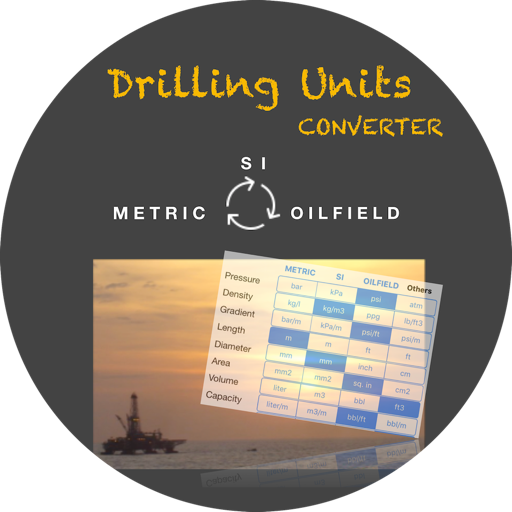
The app provides unit conversions for the Oil & Gas industry. It includes common units for area, capacity, density, diameter, distance, flow rate, force, length, mass, pipe weight, power, pressure, and temperature.
Check cryptocurrency exchange rates with 100+ currencies and 150+ national currencies. View percent change and 4-digit precision prices. Set notifications for updates. Access historical data with 1d to 3y graph periods.
Convert units between different systems with a simple interface. Perform basic and advanced calculations. View and switch between time zones with an intuitive world clock.
Helps estimate materials for various shapes. Users input dimensions to calculate volume and quantity. Features include slab, column, and post calculations. Saves results for future reference.