The app offers various paint strokes including single, symmetrical, and star. Users can select stroke sizes and utilize normal colors, continuous color change, gradient colors, and gradient rainbow color change.
by ABCiSoft★ 2.911 ratingsEntertainmentFreeData updated 2026-09-23
Create captions quickly with like metal chrome, blur, and glitch. Use latest hip fonts for a personal touch. Edit images with a full-screen professional editor. Add transparent backgrounds and export directly.
The app presents a mind-painting puzzle game where users mix red, yellow, and blue to complete hundreds of challenging levels. Users fill glowing circles with indicated colors, discover strategies, and keep their minds sharp.
Edit photos by typing descriptions to change outfits, body features, or backgrounds. Adjust specific image parts with AI. Swap objects and modify appearances. Export edited images directly.
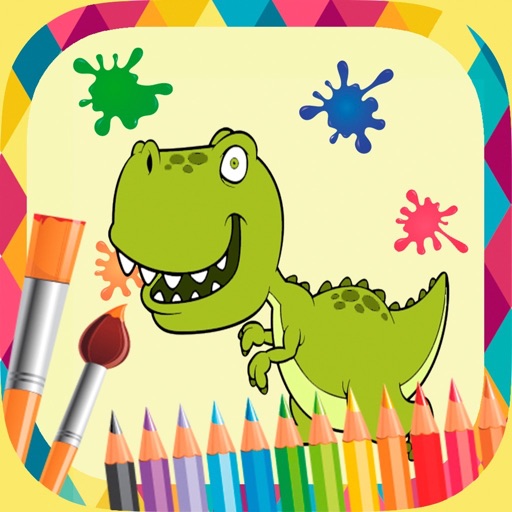
Draw and color characters directly on the screen or with a pencil on paper. Access a public gallery to share art. Follow step-by-step drawing guides. Color pages with solid or gradient colors. Color pixel art by numbers.
Pages allow users to learn English through interactive images. Users can select from 26 different illustrations to color. Completed drawings are saved automatically.
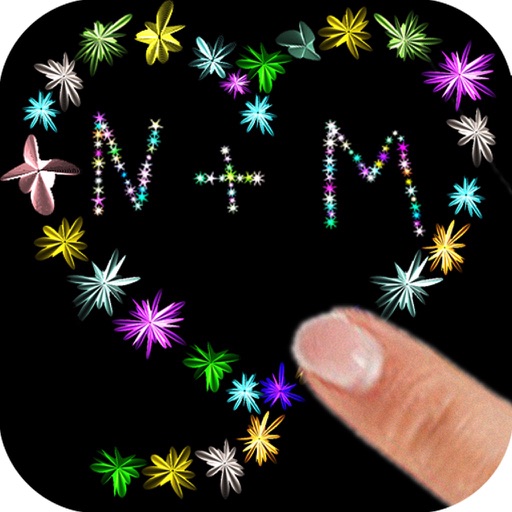
The app allows users to paint with their fingers, choosing colors and sizes to create art. Users can draw shapes and names with random flower colors, then save the drawing to their photo gallery.
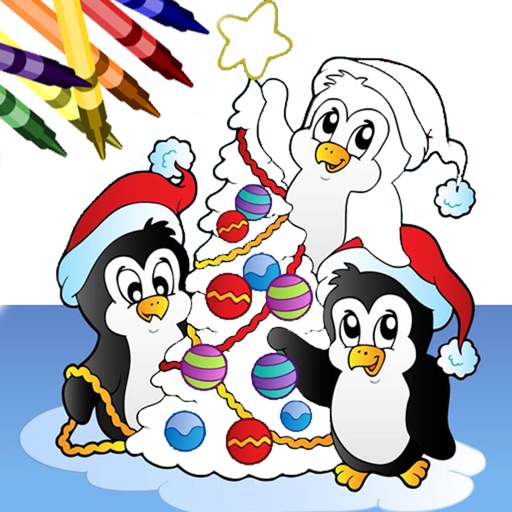
Book allows users to color pages with finger painting tools. Select from various holiday-themed images. Save and share completed artwork. Includes interactive elements and sound effects.
Pages allow users to select and apply colors, textures, and gradients to create custom designs. Users can access new content daily or weekly. Recolor existing pages and save progress. Share completed artwork via social media.