Create paintings using single strokes in sizes from tiny to large. Choose from normal colors, continuous color change for each stroke, or simultaneous color change.
by ABCiSoft★ 4.33 ratingsEntertainmentFreeData updated 2026-09-08
The app offers tools to enhance photos, remove blemishes, and apply various effects. Users can combine photos into collages, add stickers and frames, and adjust image properties like brightness and contrast.
Create artwork by selecting up to 300x300 stitches and 128 colors. Place stitches by tapping, paint by number, and save progress. Import images for custom designs. Stitch adjacent plaids in 3x3 grids. View completed patterns and export as images.
Draw with a pen or apply colorful stamps. Tap to change background colors between white and black. Save drawings, erase, or retry. Play sounds when using stamps or drawing lines.
Edit photos and videos to create oil paintings using 29 presets and 12 professional tools. Adjust brush strokes and colors manually. Apply AI-generated oil with machine learning enhancements. Export edited content in various formats.
Create animations with drawing tools, color options, and frame management. Import images or draw directly. Export and share animations on Cineverse. View progress and refine frames for detailed editing.
Coloring and drawing with 100+ free girl-themed images. Use 9 unique brushes and 50+ pattern brushes to create artwork. Record drawings as animated clips. Save and share creations. Switch between coloring and freehand drawing modes.
Create digital art with drawing, coloring, and animation tools. Use versatile templates for Anime, Animals, Flowers, Landscapes, Mandalas, and more. Access dual drawing modes for layered artwork.
The app allows users to visualize new paint colors on their walls before painting. Users can try colors from a palette or sample real-world colors and apply them to photos of their home.
Resize videos to custom aspect ratios. Crop, rotate, and adjust dimensions. Add background blur, gradients, or solid colors. Include animated text and emojis. Export videos for Instagram, Twitter, Facebook, Pinterest, and YouTube.
Create and colors on a canvas to solve puzzles. Fill squares to complete paintings. Choose colors to mix and adjust hues. Complete levels with increasing difficulty. Enjoy calming gameplay and artistic challenges.
Create custom wallpapers with scaling and resizing options on various backgrounds. Choose from color, gradient, pattern, bokeh, and text effects. Apply parallax effect for all iPhone and iPad devices.
The app transforms user snapshots into multi-textured, stroke-filled Impressionist masterpieces. It maintains the balance of the user's piece, resulting in captivating paintings brimming with passion, life, and beauty.
Create 3D animated characters from drawings. Add details like fur and eyes. Animate movements and expressions. Share creations with others. Includes interactive play features for all ages.
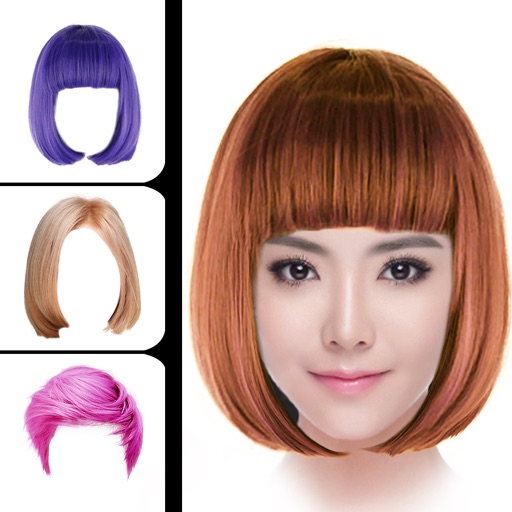
Change hair style using smart face recognition to automatically match hairstyles. Dye hair by selecting colors and applying them directly to the hair. Export styled results for viewing or sharing.
Create fully customisable . Import images from your gallery as backgrounds. Access an online photo library with 2.5M+ royalty free images. Adjust colors of design elements. Decorate home screen with . Export and apply modified .
Solve interactive with sound effects and animated backgrounds. Color drawings and paint figures. Access 20 in full version or 6 in free version. Simple interface for children.
Edit by merging multiple clips, rearranging, and removing sections. Add multiple text messages with animation, custom fonts, and styling options including stroke, shadow, and background. Export final edits.
Puzzles with sounds and interactive backgrounds allow children to engage with game characters and explore objects. Drawings to color let kids paint figures. Full version includes 19 puzzles, lite version has 6.