Create paintings using single strokes in sizes from tiny to large. Choose from normal colors, continuous color change for each stroke, or simultaneous color change.
by ABCiSoft★ 4.33 ratingsEntertainmentFreeData updated 2026-09-08
Create and edit digital art with brush tools, layers, and blending modes. Import and manipulate images. Save and export in various formats. Sync files via iCloud Drive. Support Apple Pencil for precise drawing. Render graphics using GPU acceleration.
Create graphics and animations with multiple layers of video, graphics, and audio. Edit vector and bitmap elements directly on your device. Use 160+ effect building blocks to design complex visual effects.
Add to with customizable fonts, sizes, colors, and effects. Adjust gradients, stroke, shadow, and background. Rotate and modify kerning and line spacing. Support curved and external font installation.
Create intricate tessellations and mandalas using 20 symmetry options. Draw with customizable colors and patterns. Adjust symmetry settings to design complex shapes. Save and export artwork in various formats. Share creations directly from the .
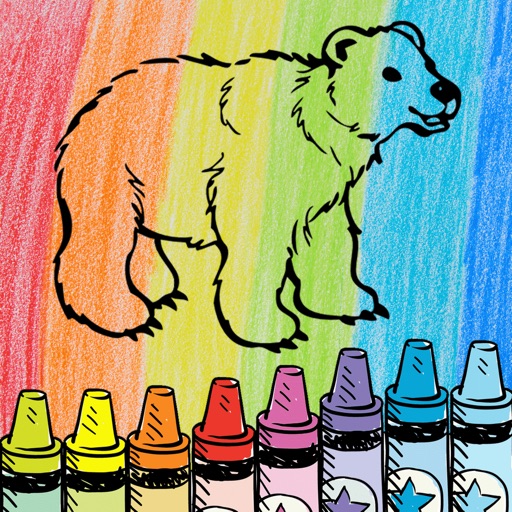
Children can draw and color using 8 different brushes including crayon, pencil, paintbrush, paintball, chalk, sponge, stickers, and stars. They can choose from over 100 pages. The includes fun effects, sounds, and stickers to enhance creativity.
Allows users to import photos and access over 20 ultra-realistic brushes. Create detailed and paintings with adjustable brush pressure and flow. Export artwork in multiple formats and share directly.
Edit photos with auto enhancement, artistic sketches, beautiful paintings, and funny cartoons. Apply 700+ filters and . Add frames and stickers. Share edited photos directly.
A game allows offline art creation without ads. Users can color and draw princesses, unicorns, and animals. Features include animated elements that react to color, confetti effects, and a sketchbook interface for creative sessions.
Coloring by numbers lets users select images and fill in colors to create artwork. Features include choosing from themed pictures like travel, animals, and mandalas. Users can paint directly on the canvas and save their work.
Create image compositions with layers, shapes, and text. Edit photos with touch-up tools and painting features. Add filters and adjustments. Export in various formats and share directly.
Convert photos and videos into paintings or hand-drawn animations using AI. Apply sketching or painting styles with adjustable textures. Save the artwork process as a video. Choose from five standard art tools.
Color animals, solve puzzles, interact with sounds
Children can solve puzzles with interactive backgrounds and sound effects. They can color drawings of African animals. The full version includes 18 puzzles and allows painting all animals. The lite version offers 6 puzzles for trial.
Create poster or template collages with up to 20 photos or videos. Add text to images or videos. Edit photos with filters, cropping, and adjustments. Enhance visuals with artistic text overlays. Export collages in multiple formats.
Color images with 2D drawings and various tools including a bucket for filling areas. Explore daily updated collections of images. Share completed drawings via social media or email.
Can draw and paint using AR features that bring creations to life. They can trace images to improve motor skills. The offers a variety of colors and brushes for artistic expression. Users can save and share their artwork.