Edit photos with analog filters and real-time presets. Adjust brightness, contrast, and saturation. Add text, stickers, and borders. Share directly or save in multiple formats. Apply retro styles for nostalgic effects.
The app processes iPhone camera preview in real time with effects like sketch, sepia, and thermal camera. Users can choose front or rear cameras and save or share photos.
Capture moments with filters and cinematic effects
Capture photos with full manual controls over shutter speed, ISO, and white balance. Apply 35mm filters inspired by Kodak, Fuji, and Agfa. Use cinematic effects to enhance images and preserve memories as -style photographs.
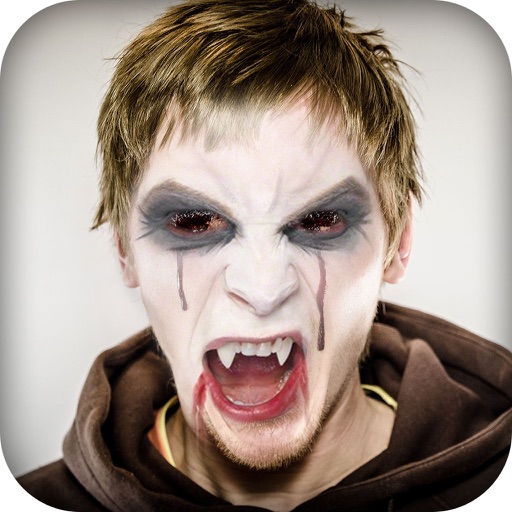
Capture selfies with real-time effects and filters. Apply blemish-free skin touch-ups and makeup instantly. Choose from a variety of color filters. Edit photos with one-tap styling options. Share edited images directly.
In and out up to 15x while taking photos using a slider. Auto-stabilize images and videos. Adjust photo quality automatically. Use timer settings for 3, 10, or 20 seconds. Enable tap-to-shoot or swipe-to- options. Video available via in- purchase.
Apply pop art effects in real time. Adjust color palette and threshold. Modify screen division and switch cameras. Share photos via email, Facebook, and Twitter.
RAY INFORMATICS YAZILIM TEKNOLOJI MEDYA DANISMANLIK VE EGITIM TICARET LIMITED SIRKETI
Edit portraits with AI precision
Edit portraits with AI-powered depth control and background blur. Adjust aperture, bokeh, and focal length for realistic DSLR effects. Capture cinematic shots with intuitive controls. Sync with Apple Health for fitness tracking.
Create original images using light effects. Apply light leak filters to add unique textures. Adjust brightness and contrast for enhanced visuals. Share edited photos directly to social media.
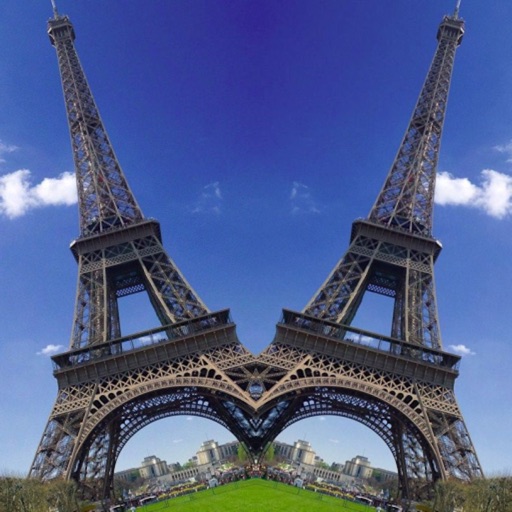
Take photos with warp and fish eye effects to create humorous images. Apply to enhance expressions. Share directly to Instagram and other social media platforms. View and edit photos in real-time with preview options.
Record video using front and back cameras simultaneously on iPhone XS and newer models. Capture footage with selfie and frontal view. Share videos publicly. Switch between front and back modes. Use flash light for both cameras.
Edit photos with one-touch filters for vivid, delicious results. Adjust brightness, contrast, and saturation. Add text overlays and stickers. Share edited images directly to social media or blogs.
Take photos with color and sharp filters. Apply whiteness and beauty skin effects. Combine filters and colors for custom looks. Add contacts in 64 pattern colors. Use filters in both camera and alarm modes without charge.