Explore and interact with 3D shapes on a screen. Choose from various 3D shapes and create unlimited combinations. Add or remove shapes with a single tap. Rotate, zoom, and swipe to navigate 3D models.
by Paul Hangas★ 4.545 ratingsEducationFreeData updated 2026-09-08
Create by tapping, swiping, and shaking the device to generate shapes and sounds. Manipulate shapes by touching or flicking them. Pop shapes by tapping again. Hear and see dynamic responses to motion and touch.
Bounce a through a rotating tower. Avoid red blocks by spinning the tower. the tube to break it and move to the next platform. Use one-tap controls to navigate and clear obstacles.
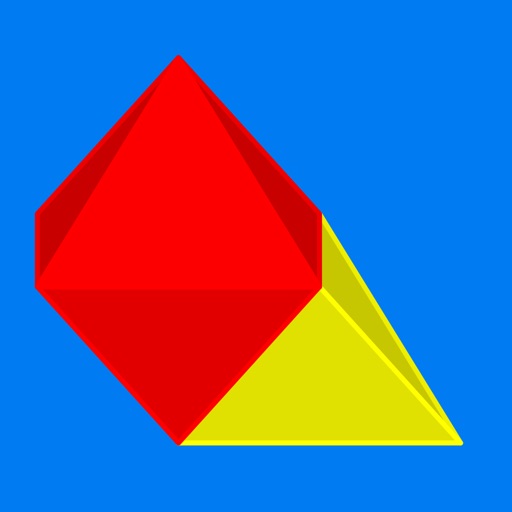
The app displays the geometry of 3D solids on iPad and iPhone. Users can explore 63 different shapes, including Platonic, Archimedean, and Johnson solids, by rotating, pinching, and zooming.
Teaches children to recognize shapes, colors, and sizes through 12 . Features levels that progress from simple to complex. Includes activities for learning basic colors and shapes. Allows users to interact with visual elements and complete tasks.
Edit photos with auto and drawing tools. Apply 20+ effects and unique shapes. Zoom for high-resolution details. Use brush offset to avoid finger interference. Preview and adjust focus areas. Export edited images directly.
Letters, numbers, shapes, and animals through interactive games and videos. Watch educational content with no ads. Complete activities to reinforce learning. Track progress with built-in quizzes and challenges.
Construct geometric shapes using points, lines, circles, polygons, and angles. Drag points to explore interactive . Measure lengths and areas. Transform shapes through mirroring, rotating, and dilating.
Create custom toys by dragging and placing materials into molds. Shape and press to form toys. Pop bubbles repeatedly for relaxation. Choose from shapes like rainbow hearts and popop animals. Trade toys with others.
Play a color game with wooden shapes. Clear lines horizontally or vertically to remove blocks. Connect shapes for bonus scores. Adjust move speed for different gameplay styles. Track high scores and receive multipliers for consecutive matches.
The app allows users to mix crepe batter, cook it, and add various fillings and sauces. Users can then fold the crepe into different shapes and decorate it with over 200 options.
Draw on a or whiteboard with adjustable brush sizes and multiple paint colors. Create shapes like lines, arrows, circles, and polygons. Add text with customizable font sizes. Import photos and record video directly within the .
Letters, numbers, colors, and shapes through interactive -popping games. Tap balloons to identify letters and numbers. Match colors and shapes with visual prompts. Track progress with simple feedback and repetition. Share achievements with parents.
Teaches first words, letter names and sounds, counting, numbers, shapes, and colors through interactive . Includes space-themed activities for toddlers. Allows parents to track progress and set learning goals.
Touch the screen to create with vibrant colors and dynamic shapes. Listen to accompanying sounds. Explore freely without scoring, focusing on relaxation and visual enjoyment.
Create unique characters with customizable , traits, and stats. Generate random characters or refine details manually. Save and organize character profiles for storytelling or role-playing. Export character data in various formats.
Learn letters, numbers, and shapes through interactive . Play puzzle and coloring activities to improve creativity and logic. Explore phonics, kindergarten , and brain teasers. Includes free content like ABC, 123, and space themes.
Allows users to draw grids over images for precise copying, scaling, and tracing. Features include adjustable sizes, reference image overlay, and zoom capabilities. Users can export drawings and share files directly.
Teaches toddlers to and lines, shapes, and letters. Includes ABC, numbers, and languages like Spanish and Hindi. Features phonetic learning and interactive tracing exercises. Enhances hand-eye coordination through drawing activities.
Add to photos by selecting an image or using the camera. Choose from various dinosaur options and position them with drag, resize, and rotate tools. Use the erase tool to blend into the scene realistically.