Create slideshows by combining photos and videos. Add music, transitions, and text. Include artwork and narration. Time slides for optimal viewing. Share directly to Instagram.
Create videos and slideshows with trimming, cutting, and splicing tools. Add filters, themes, music, and text overlays. Export videos in various formats and share via Facebook, Instagram, YouTube, WhatsApp, and other social media platforms.
Create -to- slideshows with cinematic transitions. Add text, stickers, and music using an intuitive timeline. Edit frames precisely. Layer music, sound effects, and voice-overs. Adjust speed per frame. Add background images.
Edit videos and photos with background addition for portrait or landscape formats. Apply blur effects without cropping. Share edited content via a new sharing screen. Access media across devices from a centralized library.
Display photos and videos from iCloud, Google Photos, and Google Drive. Create and schedule slideshows. Customize transitions and timing. Share content via Wi-Fi or QR code. Manage media libraries and set playback settings.
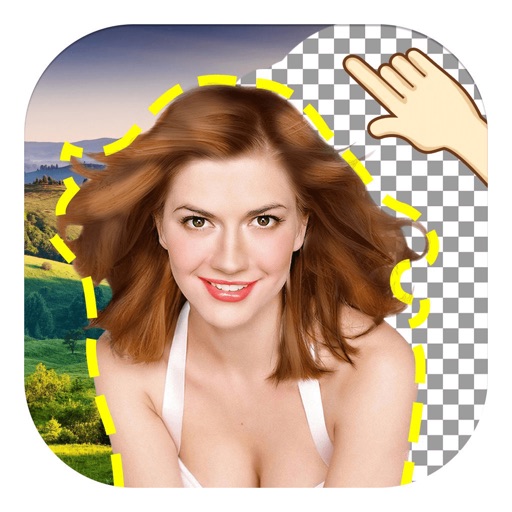
The app allows users to remove and edit backgrounds of pictures. It offers smart and manual cutout tools, with options to move, zoom, rotate, and crop images.
Zoom into images to view details at maximum screen size. Enlarge specific areas like eyes or text in photos. Adjust zoom levels for precise viewing on iPhone or iPad displays.
Create slideshows using photos and video clips. Enhance images with cropping, flipping, and rotating. Apply effects like cross-fade, zoom, and panning. Add music or record narration. Export finished slideshows to share.
Remove with automatic portrait recognition or brush matting tools. Choose from multiple shape options for precise masking. Add color line strokes to edited areas. Export modified images directly.
Browse -related images with tag-based search and autocomplete. Share content directly. Save to Photos or Files. View favorites offline. Customize home screen with pinned searches and folders. Set blacklist rules. Access slideshow mode.
Create slideshows by adding music and photos. Edit videos with transitions and effects. Share finished videos via social media or email. Import photos and organize them into collages. Adjust timing and layout of slides.
Create widgets with custom photos from albums. Edit photos to select specific sections. Display names within widgets. Apply filters and arrange multiple widgets in a collage layout. Share photos directly from widgets.