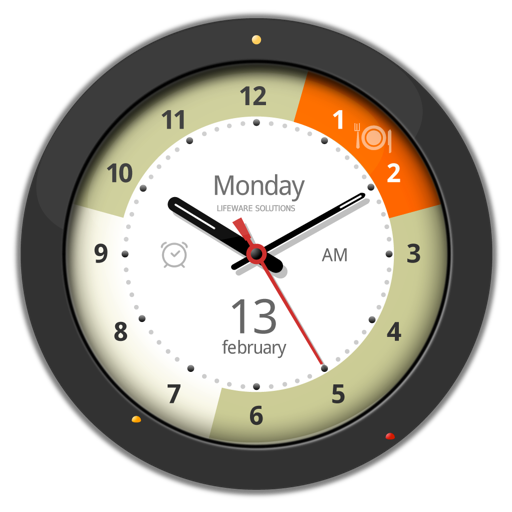
The app offers over 50 customizable clock faces for macOS desktops, including analog and digital designs. Users can adjust backgrounds, dials, and colors, and add complications like dates and AM/PM indicators.
by Alexey Nikitin★ 0.00 ratingsLifestyleFreeData updated 2026-09-22
Set alarms that play background and include a sleep timer. Choose from analog, binary, or digital themes with 12 color options. Select from 17 sounds. Adjust screen brightness by swiping. Send feedback via email.
Manage multiple time zones with a world clock manager. Add to the bar for quick access. Customize clock appearance and create custom time zones. Favorite for faster access. Adjust settings for an elegant and user-friendly interface.
The app provides a large, customizable clock widget with alarm management and calendar integration. It displays information from iCal, supports multiple calendars, and offers adjustable day and night views.
Display clock widgets on home screen with transparent backgrounds. Choose from round, scallop, or clover shapes. Automatically adjust theme colors based on wallpaper. Customize properties such as size and position.
A productivity featuring a in landscape mode. Includes multiple customizable themes. Offers countdown and count-up timers. Provides time widgets for home screen customization. Allows users to provide feedback via email.
The app offers a redesigned interface for managing contacts in different time zones and planning meetings. It includes calendar integration, business hour tracking, and customizable clock views with trackpad and Touch Bar support.
Display current time and date with customizable themes. Set alarms and timers. Adjust brightness and notification settings. Switch between 12-hour and 24-hour formats. Sync with iPhone for calendar and reminders.