Allows users to color 3D models with HSV/RGB sliders for base, highlight, and shadow adjustments. Features include material controls, instant visual feedback, and saving repeatable color recipes for consistent results.
Create avatars and wallpapers by painting or doodling. Access built-in resources for inspiration and guidance. Choose customizable painting lines to express creativity. Save and share finished artwork.
Create fluid ink paintings with finger swipes. Use tapered brushes for organic line effects. Overlay strokes for layered artwork. Practice minimalist and painting techniques.
Convert photos to style with 16 customizable masks. Adjust colors and settings for detailed control. Save high-resolution artwork for print. Share creations socially. Supports iPhone, iPad, and iPod touch.
Create vector artwork on iPad with precise drawing tools. Align objects to grids, paths, or points. Scale and rotate multiple objects in real time. Use masks to cut out elements from artwork or photos. Position text at any angle or along paths.
Record and switch between up to 9 external A/V inputs supporting NDI, NDI HX, SRT, or RTSP protocols. Use up to 4 UVC cameras on iPadOS 17. Access all built-in cameras on iPhone/iPad simultaneously.
Create and edit and drawings for home screen and lock screen widgets. Draw with Apple Pencil or finger, type with keyboard. Customize backgrounds, colors, fonts, and zoom for details. Combine text and drawings in one note. Share as images or text.
Images using a smart palette and blending mode. Choose from mandalas, florals, animals, and patterns. Create custom designs or by number. Export finished artwork to PDF. Quick access to numbers via tap and hold.
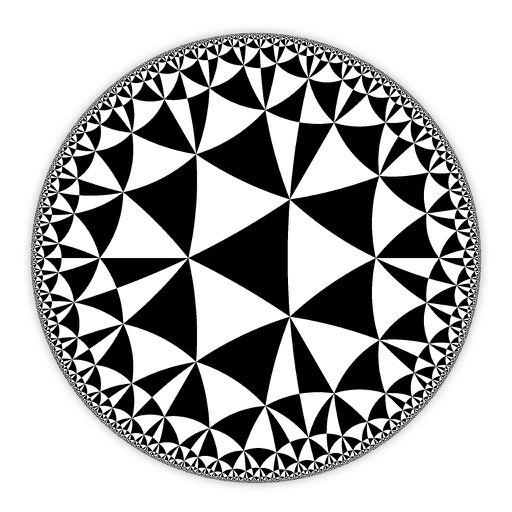
Create and customize hyperbolic patterns using Poincare Disk geometry. Adjust motifs to repeat infinitely within the circular space. Explore non-Euclidean designs with scalable, recursive visuals. Export patterns in various image formats.
Create digital paintings with unique brushes and color chaos features. Use Color Jitter for textured effects and Fan Fill or Lasso Fill for quick color blocking. Paint outdoors or on the go with intuitive tools.
'Open in ' popups and other intrusive web elements in Safari on iPhone and iPad. Disable unwanted popups, remove dark patterns, and navigate websites without interruptions.
The app allows users to draw, paint, or sketch any picture. It offers custom settings for color pencils, pastels, and brushes, and users can save their artwork to their camera roll.
The app provides tools for drawing, coloring, and editing pictures. Users can create simple pictures, add text, or modify existing images with various shapes and editing functions.
Create and customize designs using model templates and fabric options. Add accessories and details to outfits. Export designs in various formats and share them directly.