The app helps users manage window positions and sizes by dragging them to screen edges or corners. Users can create custom snap areas and configure keyboard shortcuts for window management.
The app organizes apps, files, folders, and web pages into customizable tabs. Users can sculpt tab shapes, apply multi-color gradients, and utilize fluid animations for a dynamic interface.
Enables users to highlight mouse pointer and click actions with customizable visual effects. Adjust effect type, size, color, opacity, and blur for the pointer.
Edit videos with cropping, splitting, and merging tools. Mute audio clips and adjust timing. Use a grid-based toolbar for quick access to core functions. Apply gradient themes and preview edits in real time. Export final videos directly.
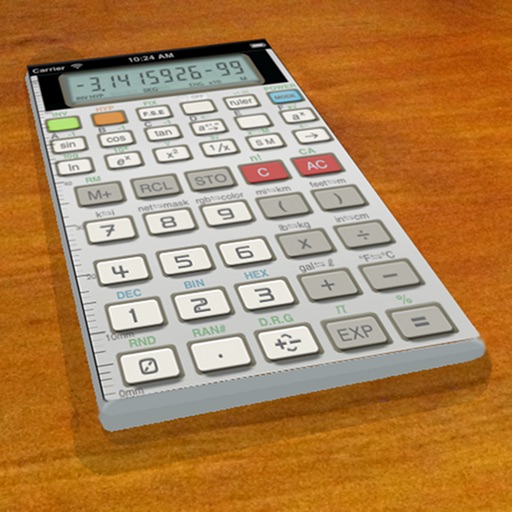
A vintage-style scientific calculator with a retro LCD display and realistic key sounds. Perform basic and advanced calculations, use shift functions, and access additional modern features like parentheses and memory storage.