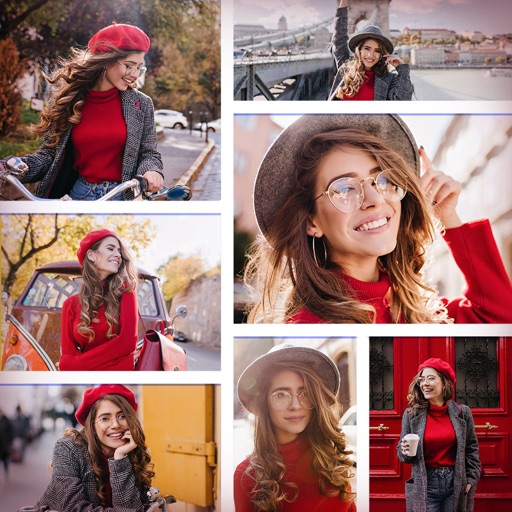
The app allows users to create photo collages and interactive slideshows. Users can import pictures and arrange them using multi-touch gestures on a virtual table.
by Paul Solt★ 4.044 ratingsPhoto & Video$4.99Data updated 2026-09-21
Create collages by combining multiple photos and videos. Choose from , poster, or editor modes. Adjust layouts, add effects, and stitch content together. Edit images with filters, cropping, and text overlays.
Create custom text designs by selecting a background and typing your text. The generates unique layouts with various fonts and typefaces. Share or export the final design directly.
Create photo collages by arranging images in a grid layout. Choose the number of photos per page and add borders. Export the collage as a PDF for printing or email. Ideal for classroom use or quick multi-image printing.
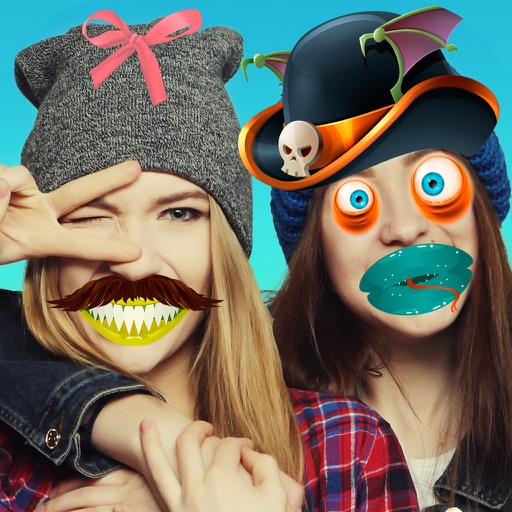
Take photos and videos with adjustable settings. Apply free filters and themed stickers. Enhance skin tone, smooth features, and adjust facial elements like eyes and lips. Save and share edited content directly.
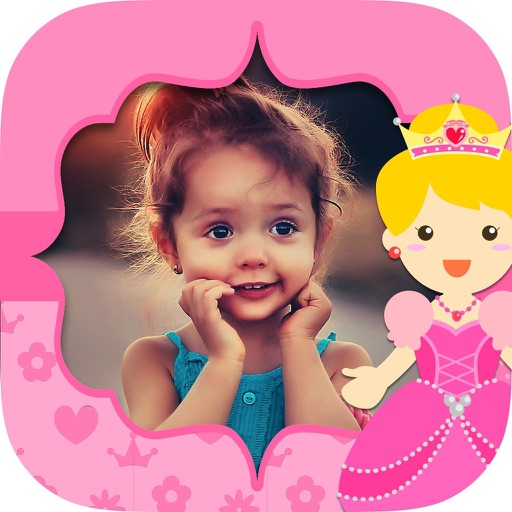
The app allows users to combine multiple photos into collage frames. Users can select from unique frames, adjust colors or patterns, and share creations via email, social media, and more.
The app allows users to create picture collages with various styles like Picture Pile, Picture Grid, and Mosaic. Users can add text, exchange pictures by dragging, and pan or zoom individual images within frames.
Create -to- slideshows with cinematic transitions. Add text, stickers, and music using an intuitive timeline. Edit frames precisely. Layer music, sound effects, and voice-overs. Adjust speed per frame. Add background images.