Edit photos with effect and features. backgrounds and apply black-and-white conversion. Select areas for contrast. Zoom with two-finger pinching. Adjust brush size, opacity, and offset. Export edited images.
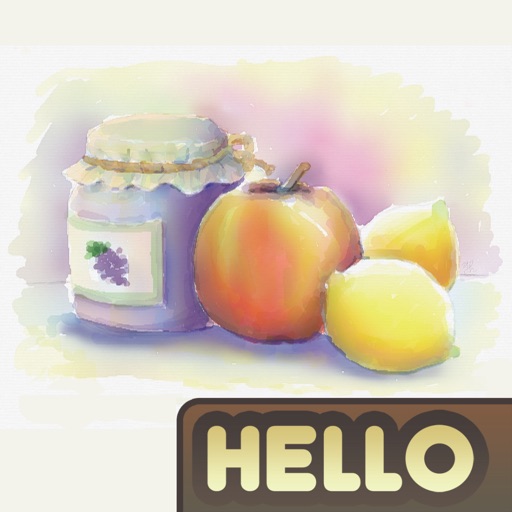
The app simulates watercolor blending and spreading behaviors using fluid simulation technology. It supports techniques like wet-in-wet, wet-in-dry, dry brush, and dry on wet, along with pencil sketching.
Educational allows children to color animated stories step by step. Includes painting tools and interactive elements to bring stories to life. Features updated books on various topics.
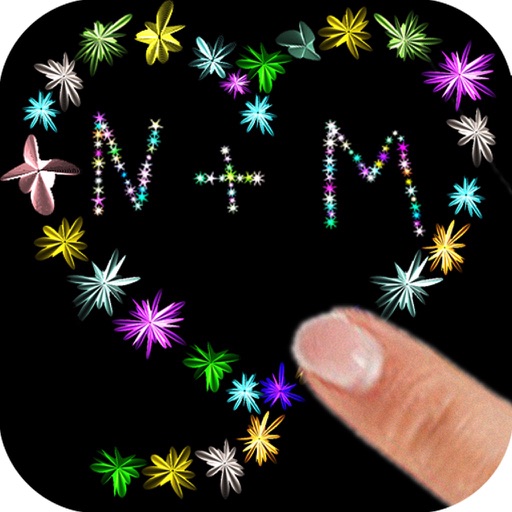
The app allows users to paint with their fingers, choosing colors and sizes to create art. Users can draw shapes and names with random flower colors, then save the drawing to their photo gallery.
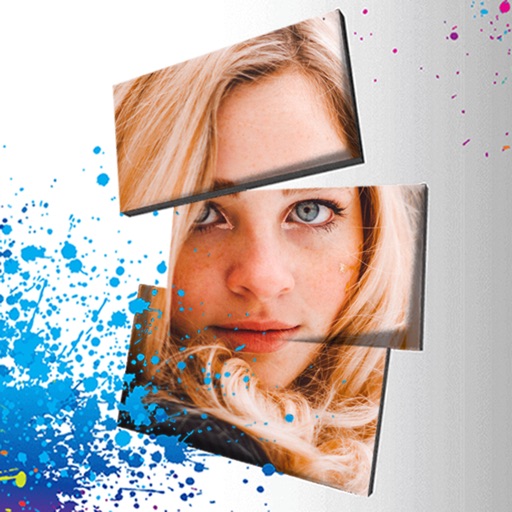
Edit photos with 3D and color effects to create立体 art. Apply special effects to enhance images. Save and share edited photos directly. Use fun and intuitive editing tools for creative customization.
Draw sketches using brushes and tools with support for Apple Pencil. Create layered artwork and zoom for detailed painting. Import and export vector images in PDF, PNG, and JPEG formats. Use color or photo backgrounds. Save artwork for later.
Explore a collection of animated with various styles. Tap to select and customize eye expressions. Move the phone to animate . Share eye creations directly.
Edit photos by applying and effects. Select images from the gallery or camera. Adjust frame position, size, and angle. Choose from multiple stylish frame options and effects.
Explore a series of interactive scenes inspired by Monet's artwork. Navigate through gardens, ponds, and rooms to collect color fragments. Complete paintings of water lilies by arranging colors.
The app offers a painting experience with an integrated gallery for sharing creations. Users can view playback of paintings and branch them to explore new directions.
Play by tilting the device to aim and shoot the ball. Break neon blocks in various stages and endless modes. Use different balls, special blocks, and items to progress. Supports offline play, small devices, and multiple languages.
Play a one-finger runner-platformer to guide through 5 worlds and 50 levels. Collect glowing stones to unlock secret levels and achievements. Avoid obstacles and defeat 5 giant bosses. Escape the mines using a robot pod.
Allows users to color pages with finger or stylus. Includes a variety of books and templates. Features a drawing mode for creating custom artwork. Lets users save and share their creations. Offers a gallery to view and manage completed drawings.
Create seamless patterns using 17 symmetry types and 23 templates. Draw with 18 brushes including pencil, liner, and airbrush. Use symmetry guide lines to align designs. Export patterns in multiple formats.