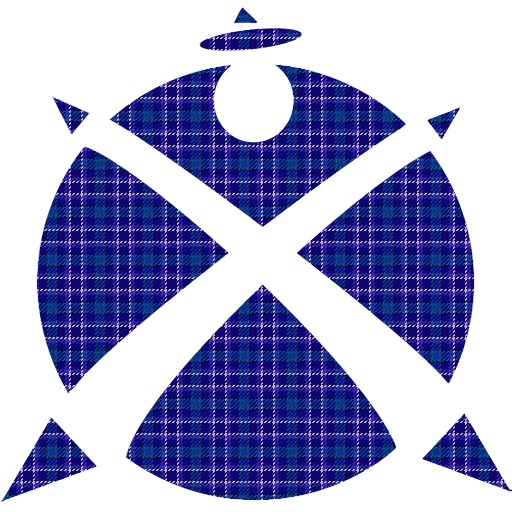
The app draws photorealistic images of over 2,400 official tartans and allows users to design new ones. Users can create images in various details, design tartans from scratch, and generate random tartans.
by Kevin Woolley★ 1.01 ratingsProductivity$20.99Data updated 2026-09-21
Create certificates, gift cards, vouchers, and coupons
Create certificates, gift certificates, vouchers, and discount coupons with customizable templates. Add text, images, and branding. Export as PDF or image files. Share via email or social media.
Create professional cards without design skills. Choose from templates, add text, images, and contact info. Customize colors and fonts. Export as PDF or print directly. Share via email or social media.
Create AI avatars that reflect your appearance. Blend faces into creative scenes or artwork. Edit photos with advanced AI tools. Customize edits with detailed settings. Export edited images in high quality.
Download and save of Clans designed by top players. Search for bases by Town Hall level or game mode. Favorite and view detailed descriptions. Receive updates on news and events. Share designs with other players.
Create and edit and crochet patterns with drawing tools. Import PDFs from device or Ravelry. Track progress with Working Mode, row counters, or PDF highlights. Convert square charts to written instructions. Add images to canvas.
Create custom labels using 870 symbols, 60+ frame designs, and personal images. Edit templates or start from scratch. Share labels directly or print them using compatible printers.
Chenzhou Zero Pixel Information Technology Co., Ltd.
Design home screen
Customize home screen with over 200 and themes. Set dynamic lock screen for enhanced functionality. Choose from more than 1000 wallpapers and receive new additions regularly.
Design by setting dimensions and customizing curves. Generate printable templates for home use. Track progress and export designs for manufacturing. Share creations with other users.
Remove backgrounds from photos using deep neural networks. Cut out people or objects and paste them into new images. Swap backgrounds and save edited images in various formats.
Allows users to draw on their iPhone or iPad using 10 different pens, including ball pen, pencil, and brush. Users can create various line shapes and images. Drawings can be saved and shared directly from the device.
Generate AI art from text prompts using Stable Diffusion technology. Create and edit images, emojis, and videos. Download and share artwork directly. Convert ideas into visual masterpieces with advanced AI tools.
Design home screen icons with tools for editing, adding text, and applying filters. Choose from thousands of fonts, stickers, and images. Remove ads and access advanced features with a subscription.
Create product mockups with realistic 3D rendering. Choose from multiple templates and customize colors, textures, and backgrounds. Export high-quality images for presentations or marketing materials. Share mockups directly via email or social media.
Create a polished PDF and cover letter with built-in cover letter support and a personalized handwritten signature. iCloud sync allows access to your across devices. Export and share the document via email or print.
Change with interactive, animated designs. Browse 15 categories including abstract, nature, and sci-fi. Tap to customize effects. Share or save favorite . Adjust brightness and motion settings for dynamic display.
Create and edit and drawings for home screen and lock screen widgets. Draw with Apple Pencil or finger, type with keyboard. Customize backgrounds, colors, fonts, and zoom for details. Combine text and drawings in one note. Share as images or text.