View and inspect 3D models in various formats like PLY, STL, OBJ, and CTM. Open models from web links, emails, DropBox, or file shares. Navigate models with intuitive controls for zooming, rotating, and panning.
by Visual Computing Lab - ISTI - CNR★ 3.745 ratingsUtilitiesFreeData updated 2026-09-08
The app allows users to select outfits, hairstyles, and makeup for virtual models. Users can choose colors and textures to create unique looks and match accessories, dresses, and shoes.
View step-by-step for robotic models. Navigate through detailed diagrams and text. Access troubleshooting tips and component lists. Track progress through each building stage.
By building applications with Python. Create and manage projects, write views and models, and deploy apps. Access tutorials, code examples, and debugging tools to develop secure and reliable web applications.
Allows users to interact with AI models privately and offline. Connect to hosted models like Llama 2 and Mistral via a native Ollama-compatible interface. Enable optional iCloud sync for cross-device chat history.
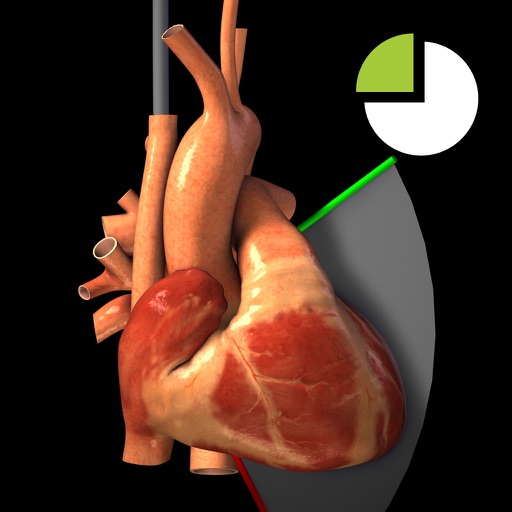
View TEE recordings for 20 diagnostic and corresponding 3D heart models. See TEE probe position and ultrasound plane alignment. Assess cardiac function through interactive visualizations.
Calculate financial metrics with the -11C+ application. Access account balance features for credit line accounts based on cash transactions and interest rates. Generate loan amortization schedules for single loans.
Explore detailed 3D anatomical models of the human body. Rotate, zoom, and dissect virtual organs. Access interactive tutorials and quizzes. Annotate and save notes. Share models with colleagues or students. Export 3D views for presentations.