The app offers a scientific calculator with complex number support and programmable keys. It includes graphing capabilities for up to nine equations, vector and matrix calculations, and a unit converter for various measurements.
The app provides home security with AI-enhanced cameras offering object and sound recognition. Users can access past events from their phone, with sensitive videos protected by 256-bit encryption.
Listen to narrated with calming background sounds. Explore parables and scripture reflections. Set sleep timers and customize soundscapes for relaxation. Track reading progress and receive daily devotionals. Share favorite with others.
Explore the with 3D visuals and real NASA photos. Interact with an AI that answers questions and provides explanations. Navigate through planets and moons. Learn about space missions and celestial bodies through engaging content.
Edit images by on photos with 45 colors and five pen thicknesses. Use zoom edit and undo functionality. Add text with drag and pinch for free layout. Import from camera roll and attach images. Share edited content via email, Twitter, and Facebook.
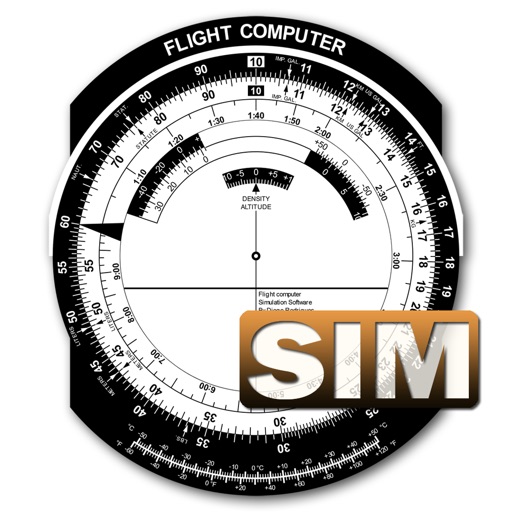
A utility simulates an E6B slide ruler for aircraft pilots. Perform conversions, wind corrections for low and high speed. Rotate, slide, and pinch zoom for precise control. Includes three calculation modes.
Learn letters, numbers, and shapes with interactive
Provides interactive educational for toddlers to learn alphabets and basic math. Features include touch-based activities, progress tracking, and a secure child-friendly interface. Parents can monitor usage and set screen time limits.
Learn words through audio, images, and drag-and-drop
Learn basic vocabulary through interactive activities. Hear words, match them to pictures, and drag them to correct locations. Practice with visual scenes and progress through levels that include and practice modes.
Generate aligned with Common Core standards for grades 1 to 6. Create exercises in arithmetic, geometry, algebra, and word problems. Categorize questions by standards. Provide answers and track progress. Export for printing or digital use.
Send messages with . Tap to send a sticker. Hold to position it over a message bubble. Use two fingers to resize, rotate, or move the sticker. Release to place it anywhere.
Capture photos of the moon by aligning the camera manually. Adjust moon size with two fingers. Tap to autofocus or manually adjust focus. Modify brightness using +/- buttons for better detail. Press the circular button to take a photo.
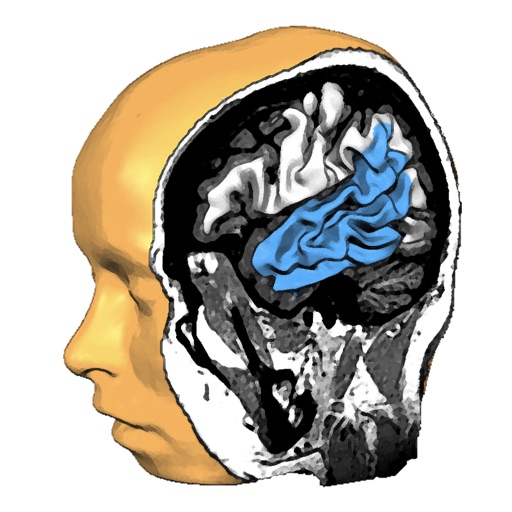
Explore anatomy with interactive 3D models. Rotate and slice through high-resolution structures. View fiber tracts from MRI data. Learn about function and structure with detailed visualizations.
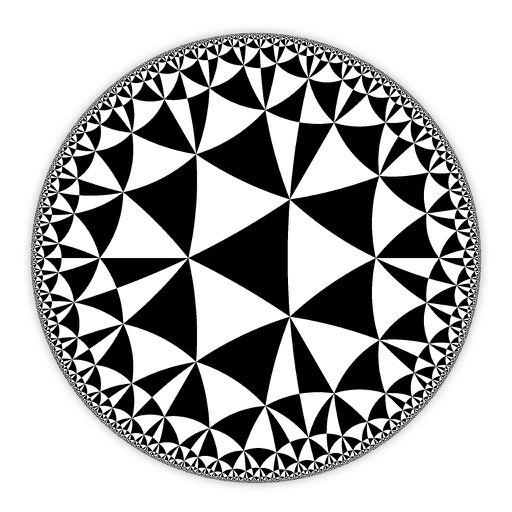
Create and customize hyperbolic patterns using Poincare Disk geometry. Adjust motifs to repeat infinitely within the circular space. Explore non-Euclidean designs with scalable, recursive visuals. Export patterns in various image formats.
Listen to guided to improve quality and promote relaxation. Set bedtime reminders and track patterns. Access calming sounds and breathing exercises. Explore content focused on healing, personal growth, and mindfulness.
Displays animated geometric patterns with soft background sounds. Users can adjust color schemes, speed, and sound volume. Patterns reset automatically or can be manually restarted.