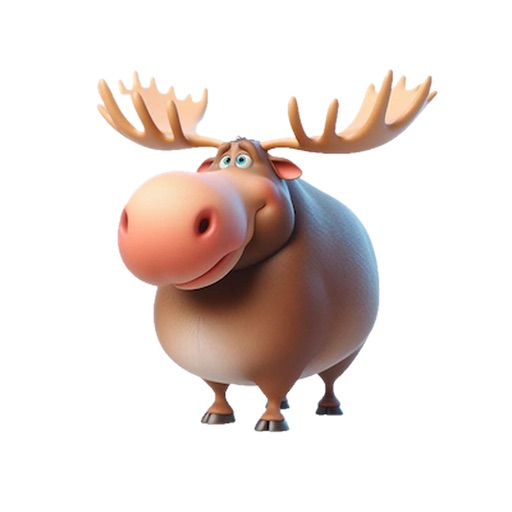
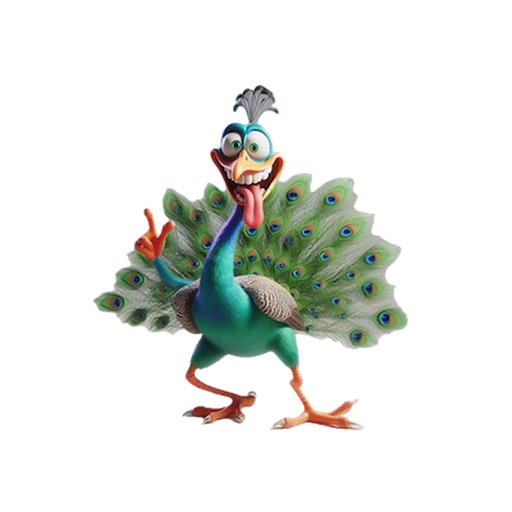
Attach character images to iMessage and MMS to deliver messages. Send messages with a cute character that speaks on your behalf. Compatible with iPhone and feature phones. Recipients receive messages with attached character images.
by Takafumi KAI★ 5.01 ratingsEntertainmentFreeData updated 2026-09-08
Send stickers as emojis or peel and place them on top of speech bubbles. Choose from a variety of dog and puppy stickers. Add humor and personality to messages with customizable sticker placements.
Add to iMessage conversations. Customize sticker size and position. Share with contacts via iMessage. Apply to individual messages or conversation bubbles.
The app allows users to search Cangjie codes by character and vice versa, supporting over 20000 CJK ideoglyphs. Users can bookmark results and copy them to the clipboard.
Send stickers via iMessage by tapping the ">" button in a conversation, selecting the sticker pack, and choosing a sticker to add to your message. Drag and drop stickers into the text box to include them in your message.
Add -themed to iMessage conversations. Choose from a variety of silly and colorful designs. Send in chats without leaving the . Customize sticker placement and size within messages.
Track player trait values and reset traits as needed. Monitor character stats, including Omens and Items. Guide haunt setup and execution with in- instructions. Access quick references to specific rulebook and haunt book pages.
The app presents a puzzle featuring KUMAMON, the image character of Kumamoto Prefecture. KUMAMON's copyright is owned by Kumamoto Prefecture, and the app has permission to use the character.
Send message stickers in iMessage. Tap to add stickers to messages, photos, or bubbles. Stack stickers in conversations. Scale and rotate stickers as needed. Manage stickers through the drawer.
Add featuring bubble tea designs to iMessage conversations. Access from the iMessage drawer or WhatsApp. Update sticker collection regularly. Share themed messages with friends.
Send and customize in iMessage chats. Add to photos and layer them for creative effects. Choose from a collection of chibi girl designs. Share with friends and loved ones. Decorate messages and images with playful graphics.
The app transmits messages as morse code and decodes received light signals into text. Users can switch to receive mode and tap the screen to see messages or switch to input mode, type text, and press transmit to send messages.
Send messages, images, and GIFs. Create greeting cards, quotes, and wishes. Generate memes and animated stickers. Add photo frames, wallpapers, and backgrounds. Share content via SMS. Customize and send holiday greetings.
Add -themed to iMessage conversations. Choose from a variety of , high-quality . Send directly within chats without leaving the . Customize sticker placement and size within messages.