Create real-time video effects using a computer camera. Select from preset effects or cycle through them automatically. Use Face Tracking to apply effects to visible faces. Adjust settings for personalized customization.
by Autodesk★ 0.00 ratingsEntertainmentFreeData updated 2026-09-08
Create videos from photos and clips for events like birthdays and holidays. Add animated collages, AI-generated stickers, and smart transitions. Automatically generate slideshows with transitions. Share finished videos directly.
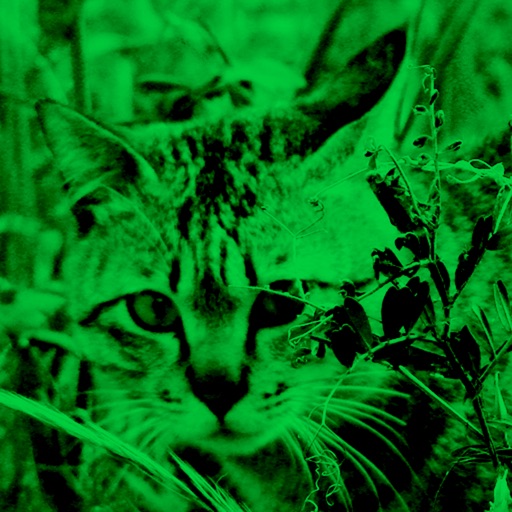
Enhance low-light photos with increased light intake and 8x zoom. Apply thermal imaging, green mode, and binoculars effects. Adjust brightness and contrast for clearer images in dark conditions. Share edited photos directly.
Create animation with filters, changer effects, and 8 animation styles including cartoon, , and pop art. Apply effects live from camera or photo library. Share on Instagram, Snapchat, or Facebook.
Capture photos and videos with customizable PIP frames. Apply foreground filters and background effects like blur, zoom, and comics. Add motion effects such as fire and snow. Create PIP videos or GIFs and share directly.
Edit photos with -themed and creative effects. Choose from gallery or camera sources. Apply enhancements for realistic visuals. Share edited photos directly.
Create cinemagraph videos by drawing on footage to mask moving and steady areas. Use the built-in video stabilizer to smooth footage before editing. Export and share the final video directly.
The app warps pictures, making them funny. Users can take new photos or select existing ones to modify by touching the screen or using a random button.
Edit images with brightness, contrast, and other adjustment tools. Import photos and place them in customizable Story templates. Create gradients and use the dropper tool to match colors. Share edited content directly to Instagram .
Edit photos with eye and effect changes. Apply realistic contacts, exotic contacts, scary effects, and animal eye styles. Save and share modified images directly.