Play by dragging and dropping cards or tapping to move them. Choose left or right handed mode. Save and resume games during interruptions. Use unlimited redo, optional 1 or 3 card draws, and standard or Vegas scoring.
by JELLY BOX APPS LTD★ 4.52,243 ratingsGamesFreeData updated 2026-09-08
Play + to rearrange cards by stacking up, down, or both on a single stack. Move cards between stacks by suit. Solve puzzles with no restrictions while following suit-based movement rules.
Play by clearing three peaks of cards using one deck. Select card styles, back designs, and backgrounds. Move cards between peaks to match rank and suit. Complete levels by removing all cards from the peaks.
Play with an ad-free interface and customizable visuals. Arrange cards, undo moves, and complete levels. Adjust animations and themes for a personalized experience. Track progress and replay previous games.
The app offers a classic Solitaire experience optimized for iPad. It features a clear design, adjustable animation speeds, and customizable table and deck colors.
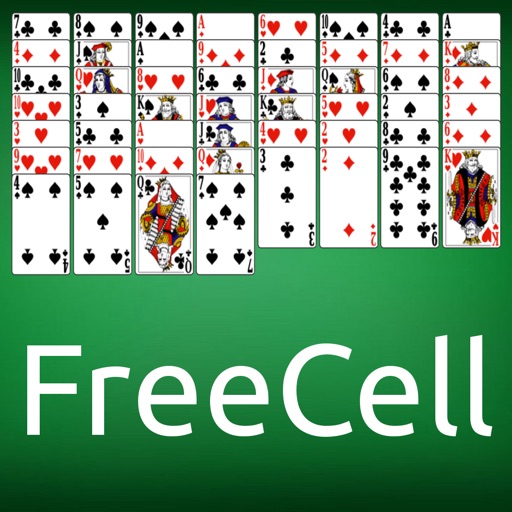
The app offers FreeCell Solitaire, a card game where players arrange 52 cards into four suit-specific stacks. Moves require descending order with alternating colors, and only bottom or free cell cards are movable.
Play Forty solitaire by moving cards with tap or drag gestures. Adjust the number of cards dealt and deck turnovers. Choose from different backgrounds and card designs.
The app offers unlimited Kakuro puzzles with unique features like bookmarks and a combo calculator. It includes multiple hint types and six difficulty levels for daily brain training or relaxation.
Move your hero pig across a board to defeat enemies, avoid traps, and collect loot. Use cards to attack or trick opponents. Upgrade weapons and skills. Trade cards with other players. Complete quests to earn rewards and improve your deck.
The app offers a version of the game FreeCell Solitaire. It includes features such as automatic turn saving, unlimited move cancellation, and intelligent aid.
This card game uses a 52-card deck placed on eight columns. The app allows users to move cards one by one or multiple cards at once, using four free cells for temporary placement.
Play by moving cards between piles to clear them. Arrange cards in descending order. Complete levels by removing all cards. Compete against the clock or play casually. Save progress and resume later.
Play games against a CPU or another player. Move cards to the center pile when their numbers differ by 1 or follow a king followed by 1. Win by playing all your cards before your opponent.
Play with multiple difficulty levels and customizable layouts. Save game progress and replay different moves. Enjoy large card designs, smooth animations, and immersive sound effects. Compete in timed challenges and unlock new card themes.