The app provides a practice tool for learning musical chords and scales. It answers questions about note relationships, scale construction, and chord identification across various instruments.
by Garzotto GmbH★ 0.00 ratingsMusicFreeData updated 2026-09-21
Tune musical instruments with real-time pitch detection and accurate results. Automatically identify and adjust pitch by touching strings or keys. Manually select and tune specific strings or keys.
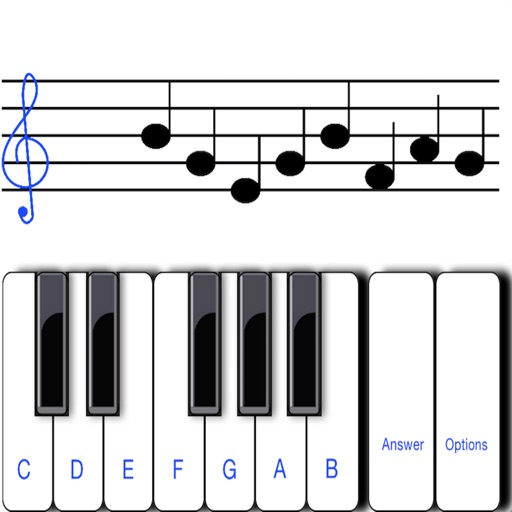
To sight notes in G and F clefs. Practice notes across six octaves, including those above and below the staff. Randomly generated notes apply to any instrument. Switch clefs for varied practice. Beginners can limit octaves and set their pace.
Allows users to practice ear by playing back pitches on their instrument. The uses pitch recognition to identify notes and provides feedback. Users can select different instruments and practice identifying and replicating musical notes.
Notes using a real and microphone. Play notes and receive instant feedback. Progress through level-based lessons. Track performance with accuracy and speed metrics. Sync lessons with a structured curriculum for consistent practice.
Chords and scales with interactive lessons. Use a virtual simulator to practice strumming and fingerpicking. Track progress with lesson completion and skill assessments. Access chord diagrams and tablature for reference.
Train musical ear with interval, chord, and scale exercises. Practice identifying notes and progress through 32 structured lessons. Track performance and repeat exercises for improvement.
And arrange , bass, and drum parts in compositions. View and edit tablature for and drum parts. Use MIDI and Inter- Audio instruments for background sounds. Build harmonies and visualize note relationships.
Create chord progressions using an intuitive chord selector and choose scales. Draw arpeggios for rhythmic patterns. Compose melodies and build full songs with multiple sections.
Create chord sequences based on a root note and mode. Generate related chords using mathematical algorithms. Adjust complexity and freedom levels to control sequence variation. Integrate with DAWs as an AUv3 MIDI plugin.
Learn , , and songs through interactive exercises and games. Practice finger positioning for proper technique. Create chord progressions and improvise with backing tracks and a metronome. Record and save performances.
Create melodies using the of fifths and fourths. Choose key and scale mode. Generate for selected key. Play via built-in player or arpeggio by holding chord button. Access scale notes individually with play button.
Learn with strummable fingerings for all keys and types. Choose from multiple tunings for soprano, tenor, concert, and baritone ukuleles. Access expert chord suggestions and complete chord diagrams.
Learn with interactive lessons and visual charts. Practice in different keys and modes. Record and playback your playing. View chord diagrams and finger positions. Track progress and set practice goals. Sync with accessories for real-time feedback.
The app enables users to explore chords and progressions in major and minor keys. ChordMapMidi functions as a MIDI controller, sending note information to other synthesizer applications.
Explore musical scales and tunings through interactive soundscapes. Adjust pitch and harmony by touching and manipulating virtual instruments. Discover new tonal structures without prior music theory knowledge.
Tune strings with a visual pitch display showing cents deviation. Adjust string tension to match desired pitch. View real-time feedback on tuning accuracy. Sync with tuning machines for precise adjustments.