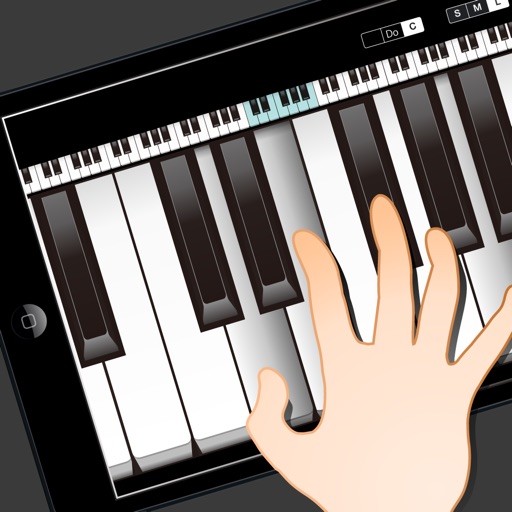
The app provides dual keyboards with piano sound and features like Key-Marks and Keyboard-Sync for teaching music. Users can control keyboard rotation, size, and range selection with on-screen instructions.
by Patrick Chan★ 5.01 ratingsMusicFreeData updated 2026-09-20
TunerMetro provides a for precise instrument tuning with ±0.001 semitone accuracy. It includes a with adjustable tempo and tap-to-start functionality. The features a spectrum analyzer for visual feedback during practice.
Create music using a - sequencer. Play notes by bouncing balls on customizable keyboards. Adjust ball count, speed, and size. Set key/scale, velocity range, octave, and channel. Customize notes per keyboard. All keyboards share the same scale.
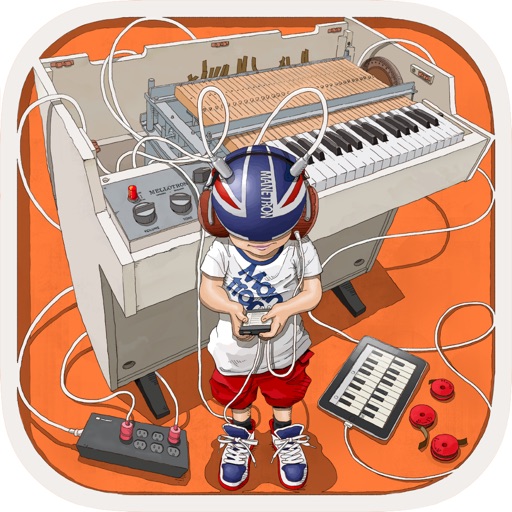
The app provides vintage tape sampling keyboard sounds from a 70s model. Users can experience real motor and mechanical sounds with tape running animation.
Play using note tiles without prior knowledge. Choose from various songs including classical and popular tracks. Tap correct keys in sync with the . Sync with a virtual keyboard. Adjust tempo and difficulty settings. Track progress and replay songs.
And sight-reading with real instruments like , guitar, or violin. Use note buttons or a virtual keyboard. Receive feedback with smiling kitten animations. View session summaries and adjust settings.
Learn music by ear with stem splitting, sheet music generation, and playback controls. Adjust individual stems for bass, vocals, drums, and other instruments. Generate sheet music for audio or video.
Learn with video lessons featuring Scott Houston. Select songs to practice. Start with right hand, then left, and combine both. Follow illuminated keys on compatible keyboard for guidance. Track progress through lesson completion.