The app provides dual keyboards with piano sound and features like Key-Marks and Keyboard-Sync for teaching music. Users can control keyboard rotation, size, and range selection with on-screen instructions.
by Patrick Chan★ 5.01 ratingsMusicFreeData updated 2026-09-20
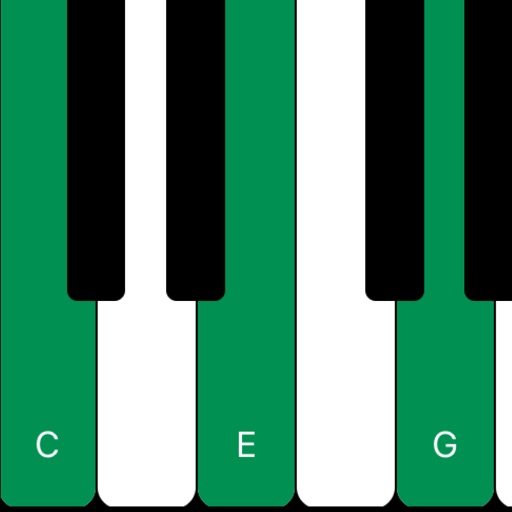
The app allows users to hear pitches for written notes or piano keys. It supports intervals and chords up to 5 notes on iPhone and 12 notes on iPad, with key signature support for easier pitch finding.
Play piano melodies by tapping on-screen keys. Access a library of preloaded songs. Follow along with visual feedback. Adjust volume and playback speed. Save progress and replay sessions. Share performances via social media.
Create rhythmic patterns with triplets, dotted notes, and custom time signatures. Set subdivisions per beat. Save setups in setlists. Use Coach and Automator modes for timing practice. Adjust tempo and display options. Export patterns for later use.
Write ideas using a chord keyboard with automatic chord detection. View guitar chord diagrams. Transpose keys or use capo for tuning. Import memos from cloud or other apps. Share notes through various methods.
The app offers interactive piano exercises for learning scales, chords, and improvisation. Users can follow finger positioning, chord suggestions, and utilize features like backing tracks and a metronome for practice.
Create music with authentic piano keyboard and flexible editing tools.
The app offers a full 88 key piano keyboard for authentic musical experience. Users can record, save, and overdub compositions with flexibility in editing.
Learn to identify musical notes, rhythms, and accents through interactive exercises. Match heard melodies on a virtual piano keyboard. Progress from simple one- or two-note phrases to complex musical patterns.
Learn to play keyboard, drums, and pads with interactive lessons, exercises, and songs. Track progress with scoring and levels. Access 2000+ courses and practice regularly to improve skills.