Explore 3D shapes by selecting from various options. Create combinations with colorful shapes and adjust them with a single tap. Rotate and zoom creations using touch gestures.
by Paul Hangas★ 4.86 ratingsEducation$0.99Data updated 2026-09-08
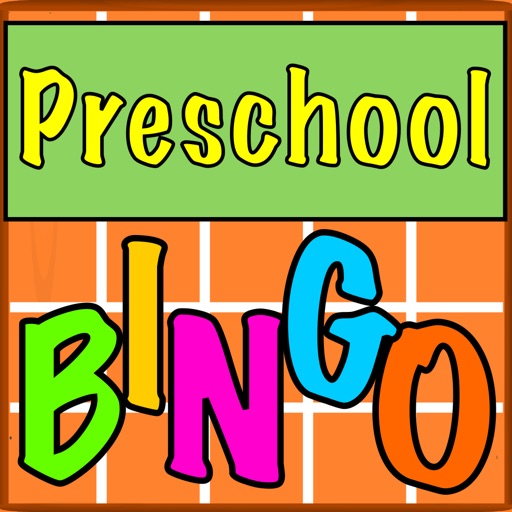
The app offers a bingo game with multiple practice sets including letters, numbers, shapes, and colors. Users can customize settings and progress through sets to master the game.
Teaches shapes through high-contrast visuals. Displays simple shapes in black and white. Plays soothing sounds and music. Allows parents to adjust volume and playback speed. Tracks attention and engagement.
Sort objects and compare items with one touch. Play 12 mini- that vary in difficulty. Learn to categorize and match objects through interactive challenges. Track progress as increase in complexity.
Design and decorate virtual nails with customizable colors, stickers, and patterns. Choose from various nail styles and apply them to hands. Complete spa treatments and save designs for future use. Share creations with friends.
The app allows children to create and decorate gingerbread cookies while learning about 2D and 3D shapes and colors. Users can navigate a maze with a selected cookie, following shape patterns that change with each playthrough.
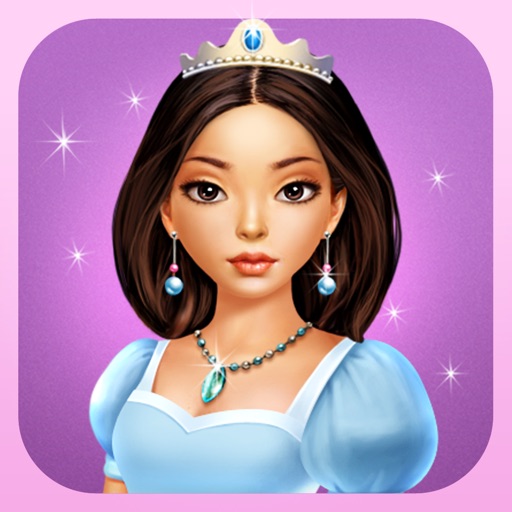
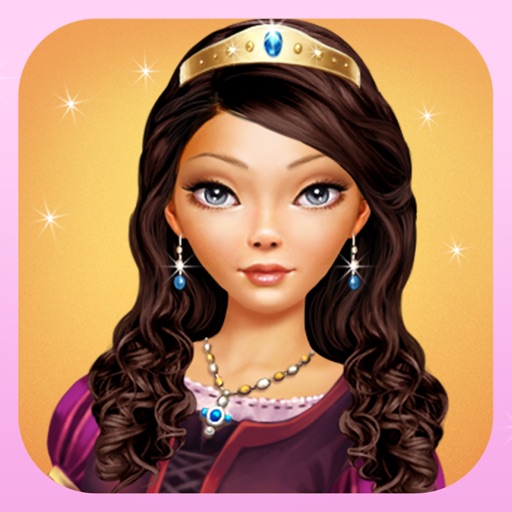
The app allows users to dress up a selected princess by mixing and matching various fashion items. Users can choose from hundreds of combinations including dresses, shoes, necklaces, crowns, bracelets, hairstyles, and earrings.
The app allows students to explore geometry and fractions by creating designs or filling outlines with shapes. It provides tools for measuring angles, duplicating shapes, and annotating work to demonstrate understanding.
This educational game teaches toddlers and preschoolers basic shapes and colors through interactive games. It includes shape recognition, color recognition, and sounds for each shape, improving memory and coordination.
The app allows users to dress up Princess Selena by selecting from hundreds of combinations of dresses, shoes, necklaces, crowns, bracelets, and earrings. Users can also choose hairstyles and backgrounds, and take a picture to become Princess Selena.
Create and animate - cartoons using shapes, colors, and templates. Add characters and backgrounds. Export and share finished animations. Collaborate with others on projects.
Children can explore letters, numbers, animals, colors, and shapes through animated songs, videos, and interactive games. They can listen to classical music and lullabies, read along with books, and use soundboards to enhance learning.
Create and manipulate geometric shapes such as points, lines, angles, and conic sections. Adjust properties and calculate metrics. Display shapes on a zoomable coordinate system. Construct medians, altitudes, and bisectors.
Teach children alphabet, numbers, colors, and shapes through interactive games and puzzles. Include sorting, matching, and memory activities. Track progress with simple visuals and provide feedback during play.
Raise a virtual by watering it daily and keeping it clean. Rename and customize the background. Move, tap, and rotate . Watch it grow over time or wither if neglected.
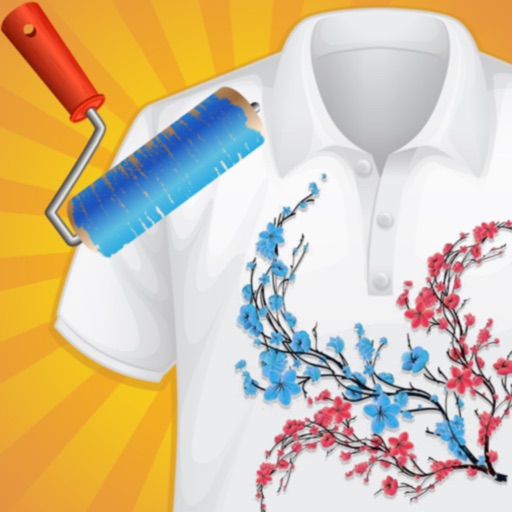
Create custom -shirts by selecting and applying colors to designs. Draw on shirt templates to personalize artwork. Save and share finished designs. Explore various tie-dye patterns and color combinations.
Teaches touch and drag skills with single or multitouch gestures. Users drag fingers across the screen to reveal colored shapes and patterns. Different sound effects change pitch. Tiles fade when fingers are lifted.