Explore 3D shapes by selecting from various options. Create combinations with colorful shapes and adjust them with a single tap. Rotate and zoom creations using touch gestures.
by Paul Hangas★ 4.86 ratingsEducation$0.99Data updated 2026-09-08
Edit photos by applying and effects. Select images from the gallery or camera. Adjust frame position, size, and angle. Choose from multiple stylish frame options and effects.
Explore the periodic table with interactive 3D models of each element. Tap to view detailed descriptions, atomic structure, and properties. Learn how combine to form compounds and everyday materials. Share element facts and images.
Create crafts with video tutorials that guide users through each step. Choose from various projects to make handmade gifts and decorations. Learn techniques for beginners and advanced crafters alike. Save and share finished projects.
The app modifies a user's eyebrows to show different shapes, shades, and colors. Users can choose a look before plucking, threading, or waxing their brows.
The app provides vector drawing tools and flipbook-style animation. Users can create frame-by-frame animations or single-frame vector artwork with various drawing tools and shape options.
Edit photos with filters, effects, and text tools. Add stickers, shapes, and draw over images. Adjust colors, lighting, and focus. Crop, resize, and enhance details. Apply tone curves and retouch features. Export and share edited photos.
Apply New frames to photos. Add stickers and shapes. Create collages with holiday patterns. Customize designs for Hindu culture celebrations. Share edited images directly.
The app transforms 2D photos into animated 3D videos of festive characters. Users can customize creations with hundreds of combinations and share them to earn "Cheer" for more content.
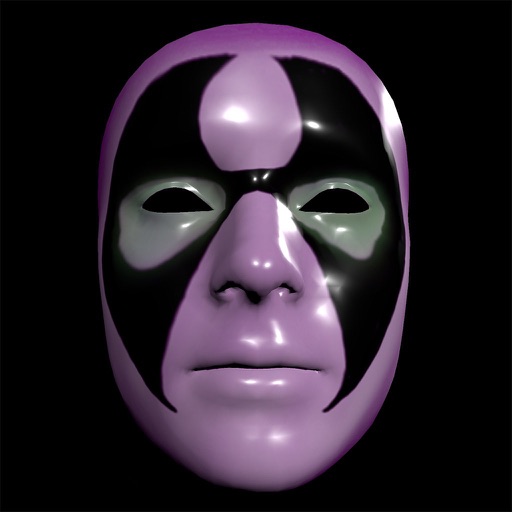
Create and apply custom masks using the iPhone X True Depth Camera for real-time mapping. Edit masks with painting tools, lighting effects, and rotation animations. Access mathematically plotted sci-fi masks.
The app allows users to create interactive presentations and demo videos. It offers features like freehand sketching over live video, adding pictures and shapes, and picture-in-picture recording.
Create vector illustrations with precise tools for technical and artistic designs. Export to Pages, Keynote, or other formats. Sync work between Mac and iPad. Edit and refine graphics on mobile.
To uppercase and lowercase and using the D'Nealian® handwriting style. and hear their sounds. Shake to erase and retry. Includes 26 uppercase, 26 lowercase , and digits 0-9.
Create word clouds with 20 new shapes and 12 new fonts. Support iPadOS trackpad and mouse input. Use new shape text tool and outline tool. Adjust margins and improve language detection for better results.
Create music by touching the screen to trigger sounds and patterns. Explore 10 distinct with unique visual and audio elements. Adjust parameters to modify sound behavior and composition. Save and share created music files.
Create by selecting from various and adding photos from the gallery or camera. Adjust photos with zoom, rotate, and move gestures. Save and share customized greeting through social networks.
Explore interactive scenes with touch-and-drag activities. Learn colors, shapes, and numbers through . Practice fine motor skills with drawing and puzzles. Listen to animal sounds and simple stories.
Create custom cities with building blocks and design elements. Add roads, water, electricity, and wind features. Construct homes, schools, and hospitals. Save and share your creations. Adjust layouts and experiment with element combinations.