Explore 3D shapes by selecting from various options. Create combinations with colorful shapes and adjust them with a single tap. Rotate and zoom creations using touch gestures.
by Paul Hangas★ 4.86 ratingsEducation$0.99Data updated 2026-09-08
Create by tapping, swiping, and shaking the device to generate shapes and sounds. Manipulate shapes by touching or flicking them. Pop shapes by tapping again. Hear and see dynamic responses to motion and touch.
Learn to fold by following step-by-step instructions for 15 shapes like tulips, lilies, and cherry blossoms. Access high-quality diagrams and photos. Use a simple interface to follow folding techniques and create art from ordinary paper.
Calculate of geometric shapes with step-by-step explanations. Input dimensions and select shape type. View detailed calculation steps. Save results for later reference. Share solutions via email or messaging.
Teaches of letters, numbers, and shapes. Includes phonics exercises and color recognition. Features worksheets for alphabet and number practice. Allows kids to draw and complete activities. Offers interactive learning with educational .
Create melodies by tapping on animated shapes that produce sounds. Customize rhythms and patterns. Adjust volume and playback speed. Share creations directly from the .
The app allows users to create glowing artworks by spinning. It features colorful glow brushes, recording and playback functionality, and the ability to save creations to the camera roll.
Create geometric art by rotating, spinning, and zooming the . Capture and save images or record video loops. Share creations directly or save to device.
Create colorful designs using art effects with 48 unique brushes and 48 shapes across six categories. Use symmetry and inverse drawing modes for creative effects. Apply dynamic textures and -off particles for realistic results.
Create evolving shapes and color fields by touching and shaking the screen. Explore color noise, liquid merging, and spastic color bars. Capture screenshots of generated artwork.
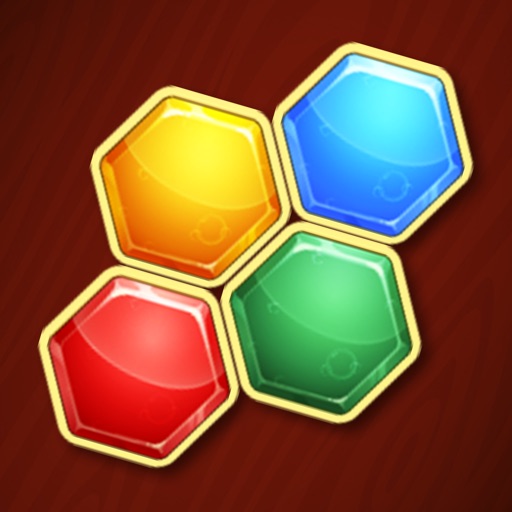
Play a puzzle game by dragging and dropping colored hexagons into a grid. Fit all shapes in the grid to progress through levels. Features include smooth controls, addictive gameplay, and over 200 free levels.
Create unique characters with customizable , traits, and stats. Generate random characters or refine details manually. Save and organize character profiles for storytelling or role-playing. Export character data in various formats.
Allows users to draw grids over images for precise copying, scaling, and tracing. Features include adjustable sizes, reference image overlay, and zoom capabilities. Users can export drawings and share files directly.
Edit photos with auto and drawing tools. Apply 20+ effects and unique shapes. Zoom for high-resolution details. Use brush offset to avoid finger interference. Preview and adjust focus areas. Export edited images directly.
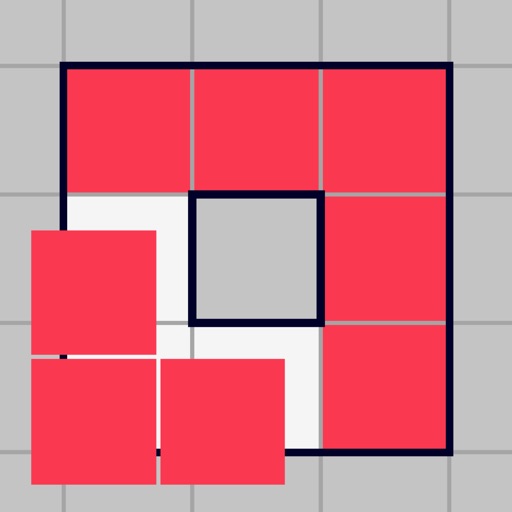
Play by moving shapes onto a grid to form complete borders or lines. Clear the board by matching block . Compete to beat high scores. No time limits, play at your own pace. Download for free without needing wifi.
Bounce a through a rotating tower. Avoid red blocks by spinning the tower. the tube to break it and move to the next platform. Use one-tap controls to navigate and clear obstacles.
Create and customize avatars with a wide selection of clothing, art, and shapes. Mix and match items, adjust colors, and fine-tune details. Save and share creations directly.
Solve using high-resolution images from over 1,000 HD photos across 200 packs. Choose with up to 280 pieces and five difficulty levels. Each puzzle has unique piece shapes. Save progress and resume later.