The app stops music when the headphone cable is pulled from an iPhone. It can also automatically start music when headphones or speakers are plugged in.
by Imre Katai★ 0.00 ratingsMusicFreeData updated 2026-09-20
Control wireless speakers and music centers from iPhone or iPad. Connect via Wi-Fi or Bluetooth to play music from phone library. Auto detect speakers and resume previous sessions. Stream music directly from iPhone.
Locate devices by selecting them from a list. Use proximity detection to find lost devices like AirPods, phones, or speakers. Walk around to strengthen the signal and pinpoint the device's location.
Scan TV screens to identify channels and sync audio to headphones or Bluetooth speakers. Access previously viewed channels via Quick Tune for instant playback without re-scanning.
Create and edit music with virtual instruments, effects, and audio tools. Record and arrange tracks, apply plugins like Beat Breaker and Sample Alchemy, and mix audio. Export projects in multiple formats and share directly.
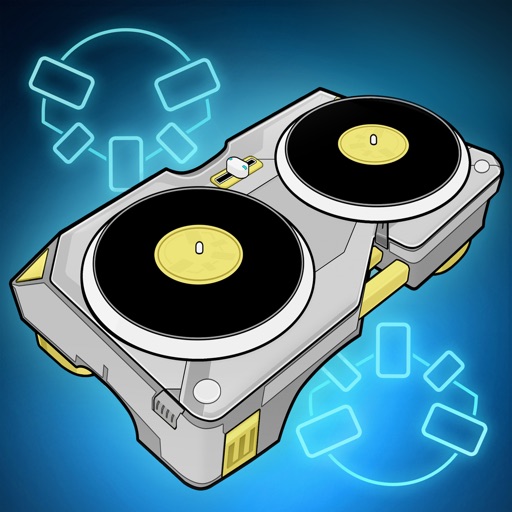
The app provides a dual scratch turntable for the iPad, offering a portable DJ rig with features like headphone cueing, crossfader, and pitch control. It allows media library access and broadcasting over AirPlay.
Control audio output with equalizer settings and preset sound profiles. Connect and manage compatible headphones. Access exclusive artist patches for customization. Sync with the for firmware updates and additional content.
Device volume beyond system limits for clearer audio. Adjust volume levels manually. Enhance sound quality for music, videos, podcasts, and more. Supports headphones, speakers, and earphones.
Play music with original sound quality using iPhone or iPad. Connect for real-time sound. Access 9000+ song presets for different genres. Adjust 100+ amps, cabinets, and pedals for custom tone. Track performance metrics and save settings.
Amplify sound with 8x volume for clearer audio. Enable background sound amplification during multitasking. Adjust settings for personalized listening experience. Connect to headphones for direct audio output.
Create and produce music with virtual instruments, effects, and sequencing tools. Arrange tracks, record audio, and export files. Sync with other apps and devices. Share projects and access tutorials.