Monitor upload progress and track large files from your iOS device. Upload files directly and receive notifications for upload completion. Forward files to new recipients and manage transfers without needing a desktop or laptop.
by Digi Pigi, LLC★ 4.02 ratingsProductivityFreeData updated 2026-09-08
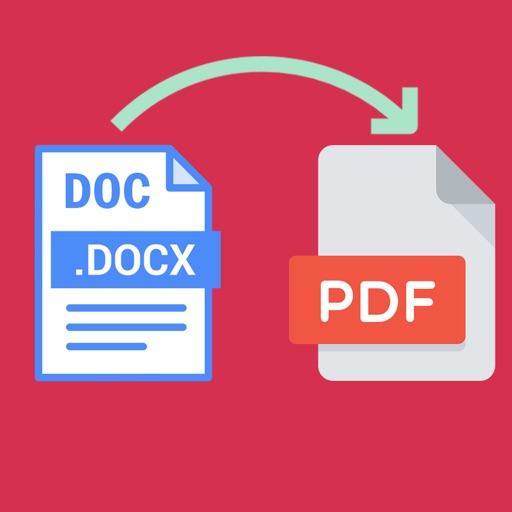
Word documents to PDF with full font support including Unicode, Indian, Arabic, Brazilian, and special fonts. Edit and view PDFs without font errors. Save and share converted files directly.
FTP client allows users to add, modify, and delete FTP servers. Download and upload multiple files or folders. View files online, create folders, and track progress. Access download and upload history. Sort files by name, date, or size.
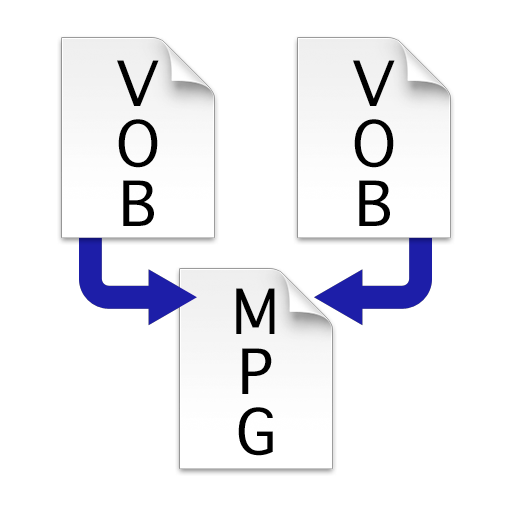
Combine multiple VOB files into a single MPEG file without re-encoding. Merge VIDEO_TS folders to create one large video file. Save and export the merged file for playback or transfer.
Manage files by creating, renaming, moving, and deleting folders. Transfer files between mobile and desktop via local LAN. Compress and decompress ZIP files with password protection. Edit code with a built-in editor that supports bracket matching.
The app provides access to FirstClass email, voice messages, and conferences. Users can view documents, files, calendars, and contacts, and search for content from the home screen.
View and edit dbf files with structure analysis, statistics, and search capabilities. Upload files via web browser, apply filters, sort data, and set deletion marks. Edit fields by entering text, numbers, or dates.
Manage files and folders in a central hub. Copy, move, rename, and delete files. Create folders to organize content. All operations are performed locally without data upload.
Transfer files between iOS devices via without file type limits. Share local documents, photos, and folders. Resume transfers, manage multiple files, and view transfer history. Sync file operations across devices.
The app provides encrypted cloud storage with mobile access for organizations. It allows users to view, upload, download, and manage files securely from their devices, supporting remote work and compliance.
The app allows users to search and preview content within their FotoWare archives. Users can also set up alerts for new content and upload files with metadata from their device.
Stream photos, videos, and music from the Air without downloading. View photos and play videos and music on your iOS device. Transfer files between your iOS device and the Air. Automatically upload new photos from your iOS device.